NFC Google review cards: how they work and how to use them well
A small chip, a direct link and a polite ask: how to set up an NFC Google review card that customers actually use.
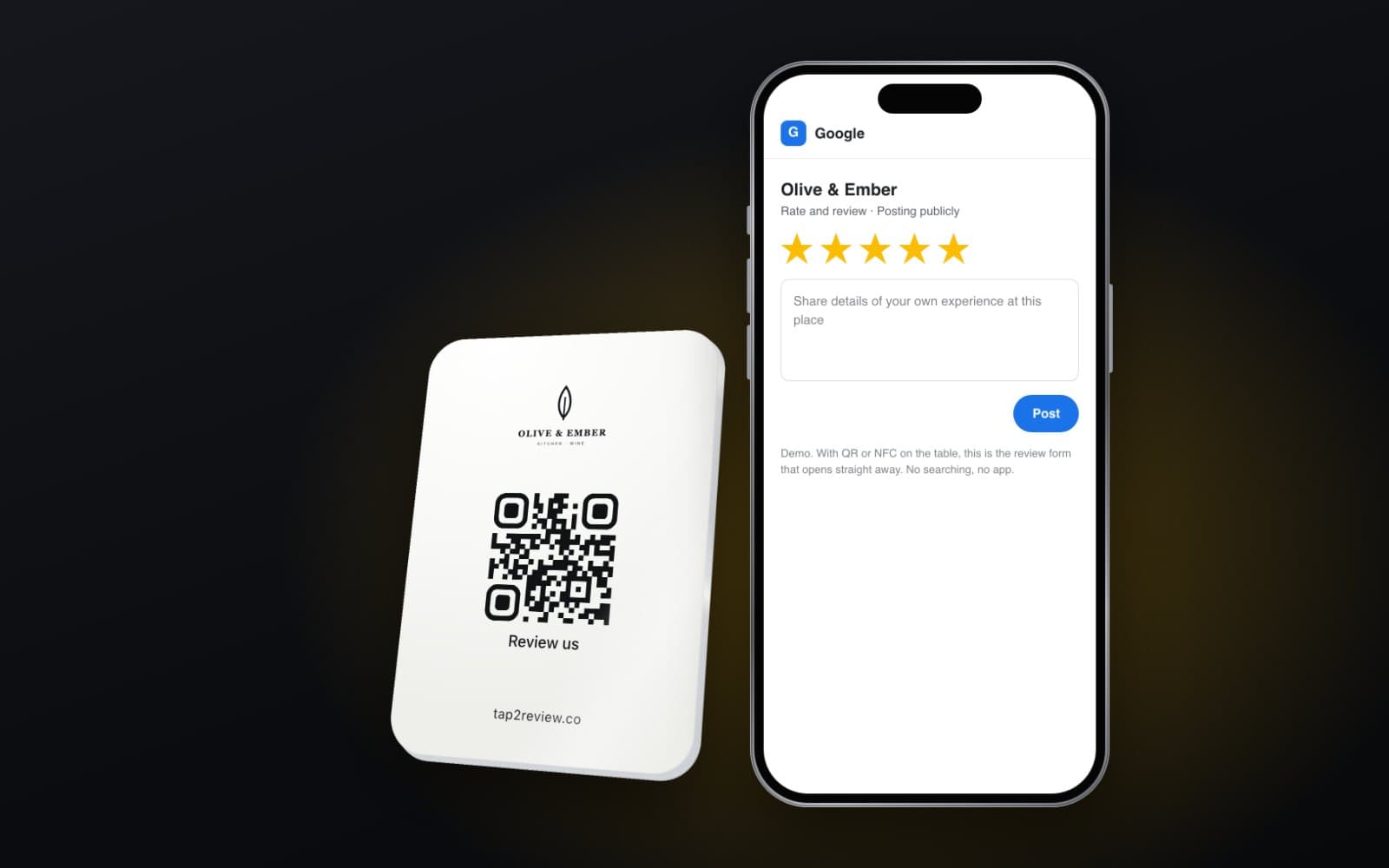
An NFC Google review card is a card, stand or sticker with a tiny chip inside. When a customer holds their phone against it, the phone opens your Google review form with the stars waiting to be tapped. No app, no searching for your business on Maps, no typing. Done well, it turns the moment a customer says “that was lovely” into a review that future customers can read.
How an NFC review card works
NFC stands for near field communication. It is the same technology your phone uses for contactless payments. The chip in the card holds a short web address. When a phone comes within a few centimetres of it, the phone reads the address and opens it in the browser.
Most phones from the last few years read NFC tags without any app. Recent iPhones do it automatically whenever the screen is on; the customer just holds the top of the phone near the card. Most Android phones do it as long as NFC is switched on in settings, which it usually is because people use it to pay. For anyone whose phone does not react, a QR code printed on the same card does the same job through the camera.
The link behind the chip matters more than the card
There are two ways to set up the link. The quick way writes your Google review address straight onto the chip. It works, but it is fixed. If you later want to add Tripadvisor, change the order of platforms or point the card somewhere new, you have to reprogram or replace every card you own.
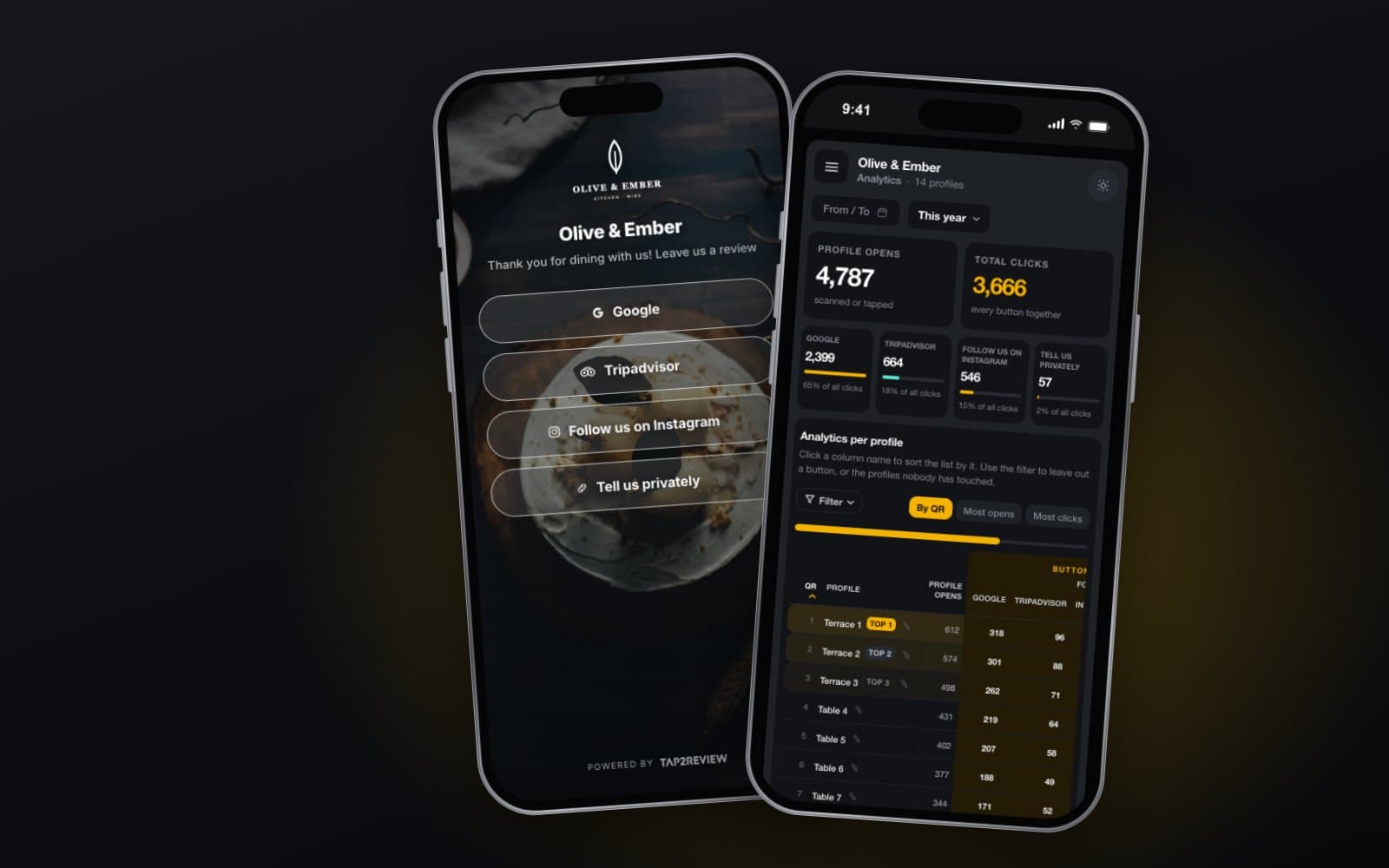
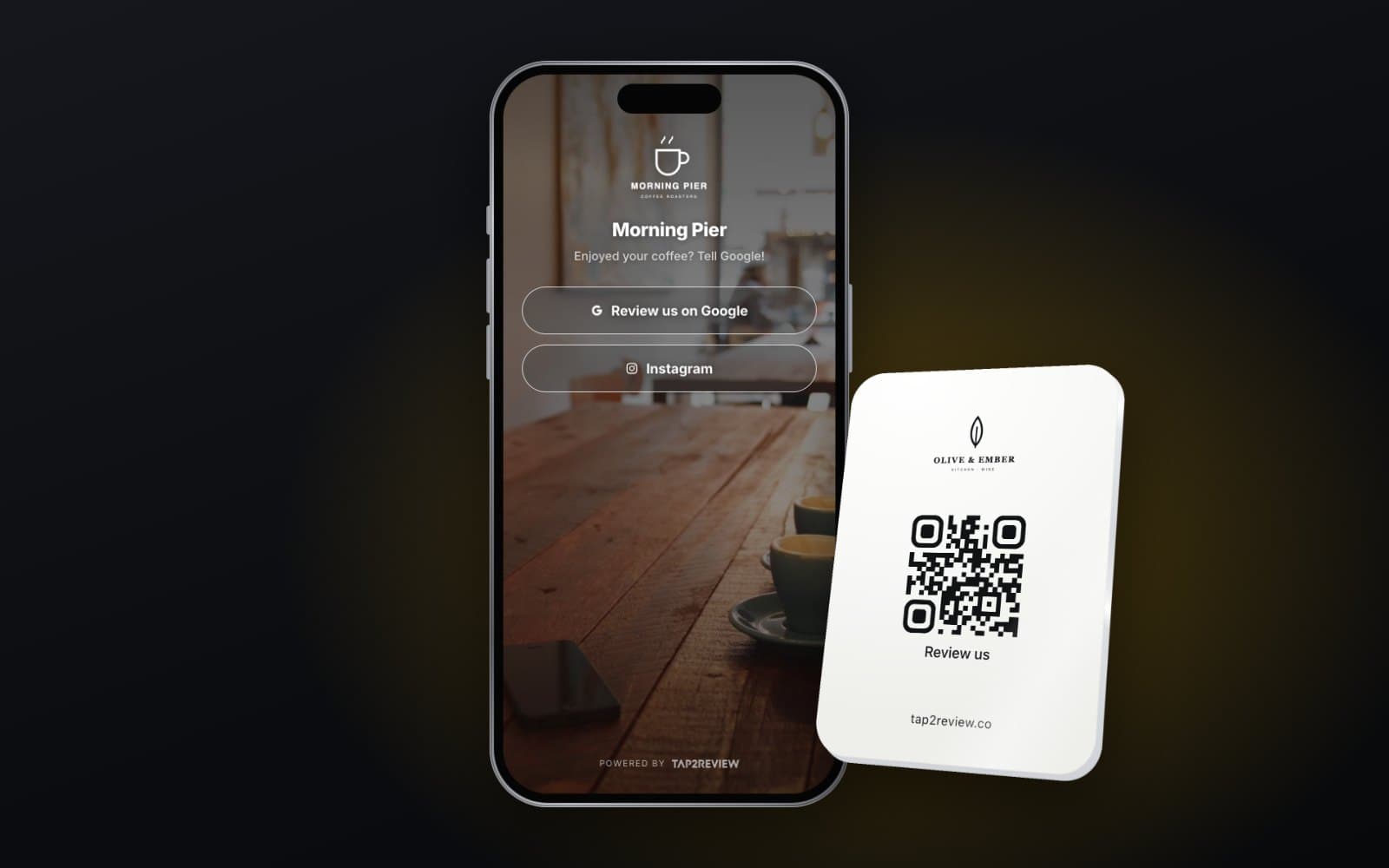
The better way points the chip at a profile you control. That profile shows your logo and one big button for Google, plus any other platforms that matter to you. When something changes, you edit the profile and every card you have ever printed follows.
Either way, the Google button should open the review form itself, not just your Maps listing. A customer who lands on the listing has to scroll, find “Write a review” and tap again. Every extra step loses people.
Getting your direct Google review link
- Sign in to the Google account that manages your Business Profile.
- Search for your business name on Google, or open the Business Profile manager.
- Look for the “Ask for reviews” or “Get more reviews” option.
- Copy the short link it gives you, then open it on your own phone and check it lands on the review form.
Card, stand or sticker: which format where
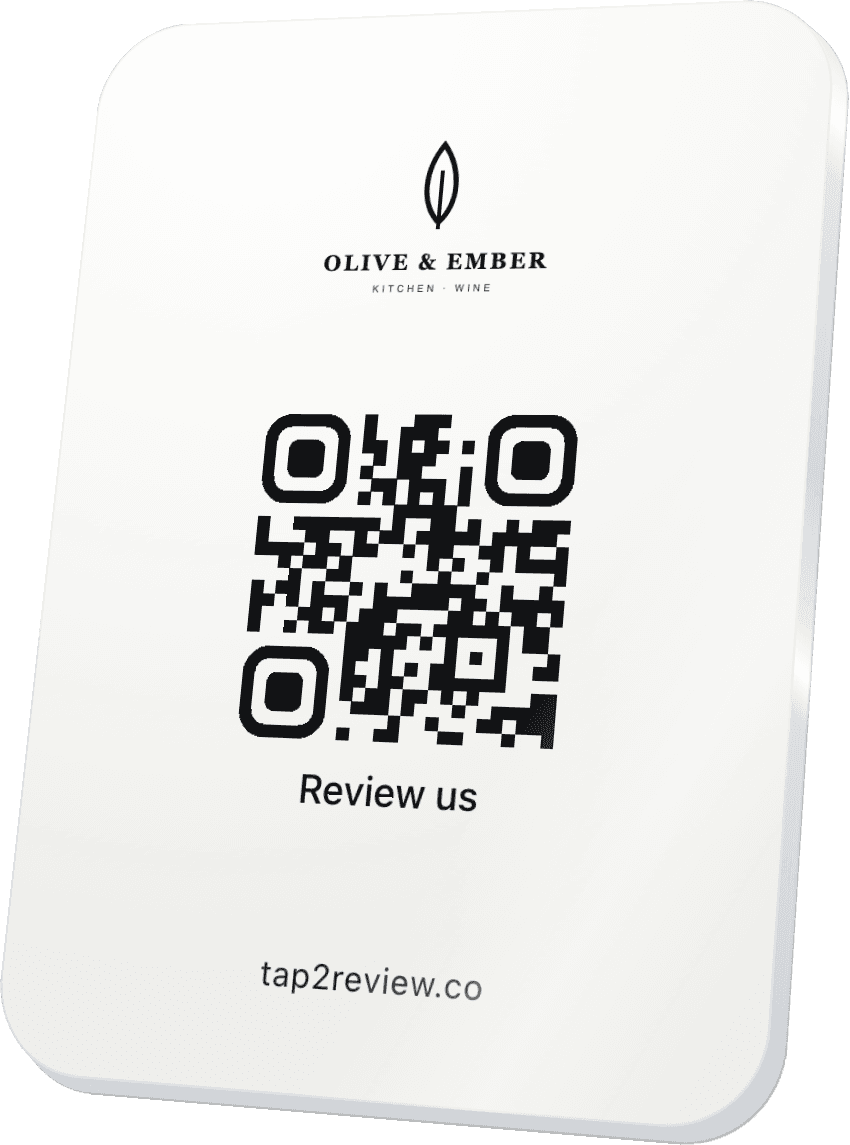
- Table stands for restaurants, cafés and bars. Customers see them while they wait for the bill, a natural moment to think back on the meal.
- QR and NFC stands on the counter, or small signs on the wall, for reception desks, salons, shops and anywhere people queue or pay.
- Wallet-sized cards for staff who move around: waiters, delivery drivers, tour guides, skippers, cleaners and engineers who finish a job at a customer's home.
- Stickers for places where a stand would get knocked over, such as boat cockpits, van dashboards or the back of a door.
Place the card where the customer is when the experience ends, not where it starts. A QR and NFC stand by the entrance asks for a review before anything has happened. One on the table, by the till or by the exit asks at the right time.
How to ask without being awkward
The card does the technical work. A person still does the asking, and a light, consistent line works best. Something like: “If you have a minute, a review really helps us. Just hold your phone on this.” Say it to every customer in the same way, at the same point in the visit.
Two habits make a visible difference. First, put the card in the customer's line of sight when you say it, rather than pointing across the room. Second, show the tap once. Many people have never used NFC outside a payment terminal and are pleasantly surprised that it works.
Stay inside Google's rules and UK law
Google's review policy prohibits businesses from selectively soliciting positive reviews from customers, and from offering incentives in exchange for reviews. It now also prohibits asking staff to collect a set number of reviews, or asking for reviews that name a member of staff. In the UK, the Digital Markets, Competition and Consumers Act 2024 has applied to fake and misleading reviews since 6 April 2025, and the Competition and Markets Authority can fine businesses up to 10% of their global turnover.
In practice that means:
- Ask every customer, not only the ones who look happy.
- Never offer a discount, a free drink or a prize draw entry for a review.
- Never send people who seem unhappy to a private form instead of the public review buttons.
- If you want private feedback, put a feedback button next to the public ones, so each customer chooses for themselves.
A private option is genuinely useful: some people would rather tell you about a cold coffee than post about it. Offered alongside the public buttons, it is honest and within the rules.
Mistakes we see often
- Cards that open the Maps listing instead of the review form.
- No QR code, so some customers cannot use the card at all.
- Cards hidden behind napkin holders or drinks lists where nobody sees them.
- Staff who were never shown how the card works, and so never mention it.
- A dozen buttons on the profile. Two to four is plenty.
Measure what is working
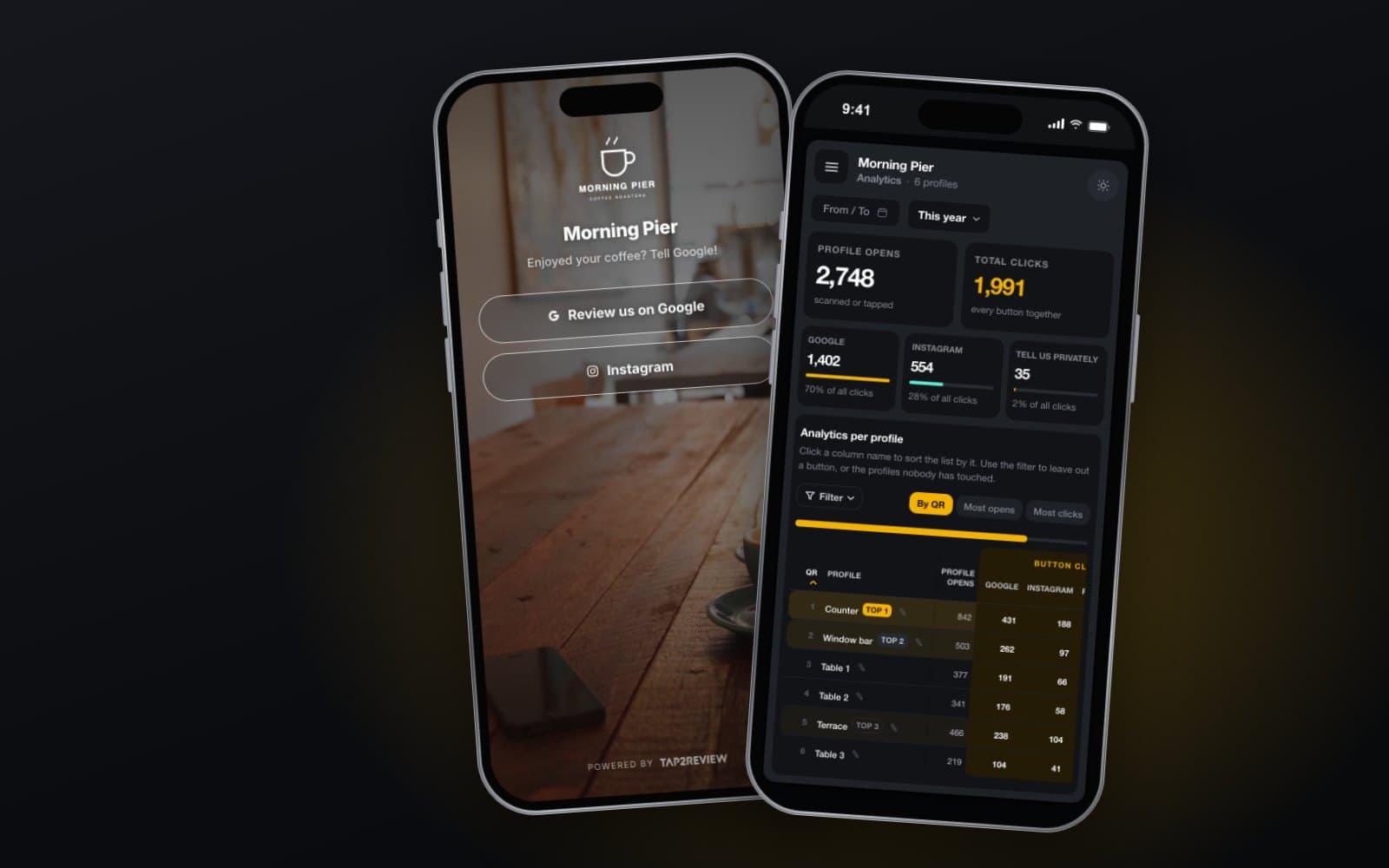
If your cards point to a profile you control, you can see taps per card and which buttons people press. Use that to move cards to better spots, not to set review targets for staff, which Google's policy now rules out.
Where Tap2Review fits
Tap2Review is our version of this setup: an NFC chip and a QR code in one branded stand, card or sticker, pointing to a review profile you edit yourself. You choose the platforms and their order, a private feedback button can sit next to them, and the dashboard shows how often each one is tapped. The Tap2Review page has a live demo, so you can see exactly what a customer sees before you order anything.
Do customers need an app to use an NFC review card?
No. Phones read the chip and open the profile in the browser. A QR code on the same card covers phones with NFC switched off.
Do NFC review cards work on iPhone?
Yes. Recent iPhones read NFC tags automatically when the screen is on. The customer holds the top of the phone near the card.
Can one card send people to Google and Tripadvisor?
Yes, if the card points to a profile with a button for each platform rather than straight to one review form.
Are review cards allowed under Google's rules?
Yes. Asking for genuine reviews is allowed. What Google prohibits is asking only happy customers, offering incentives and setting review quotas for staff.