The digital guest compendium: what to put on every profile
The in-room folder, rebuilt for the phone: which profiles to include, what to write on each, and what to leave out.
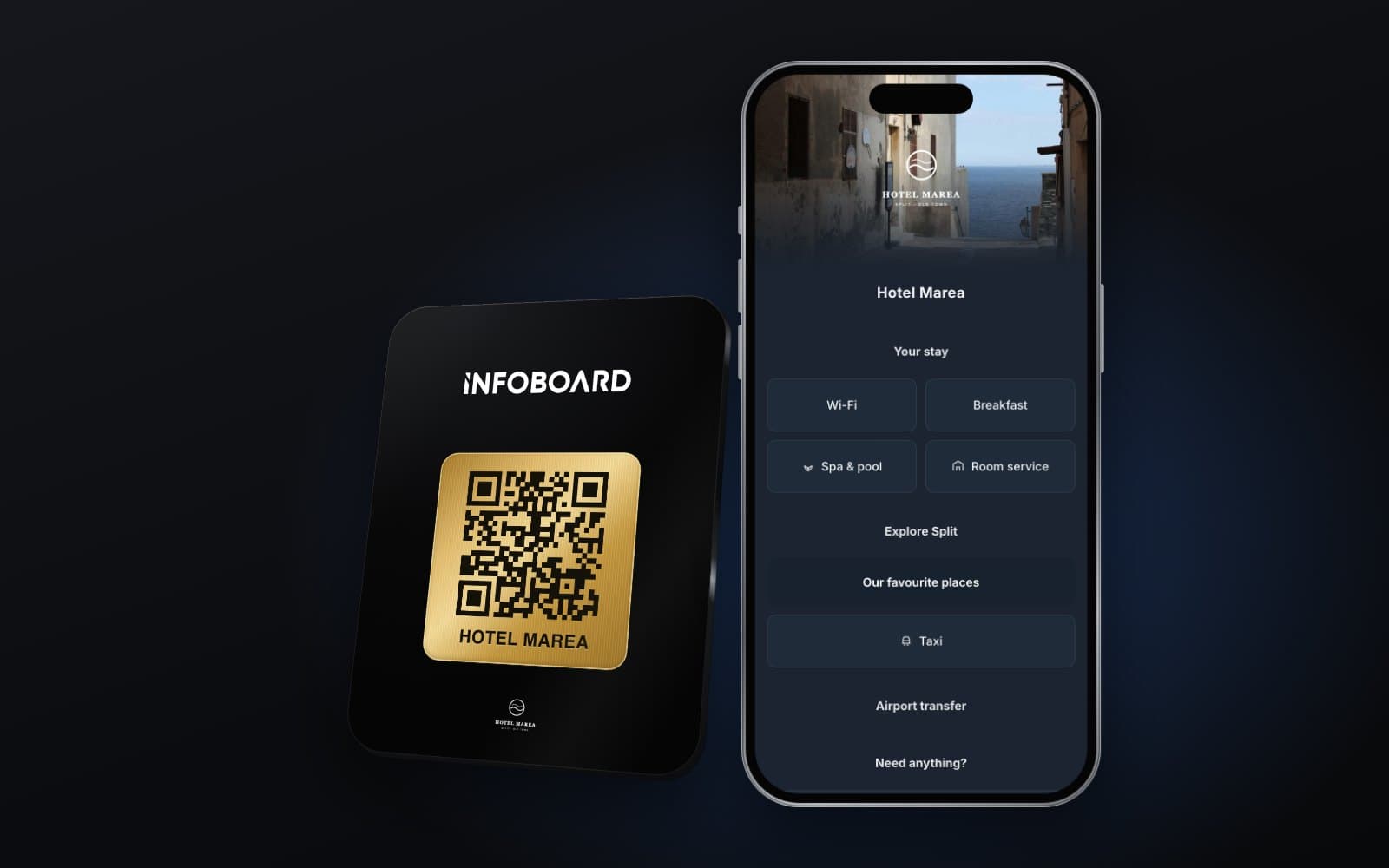
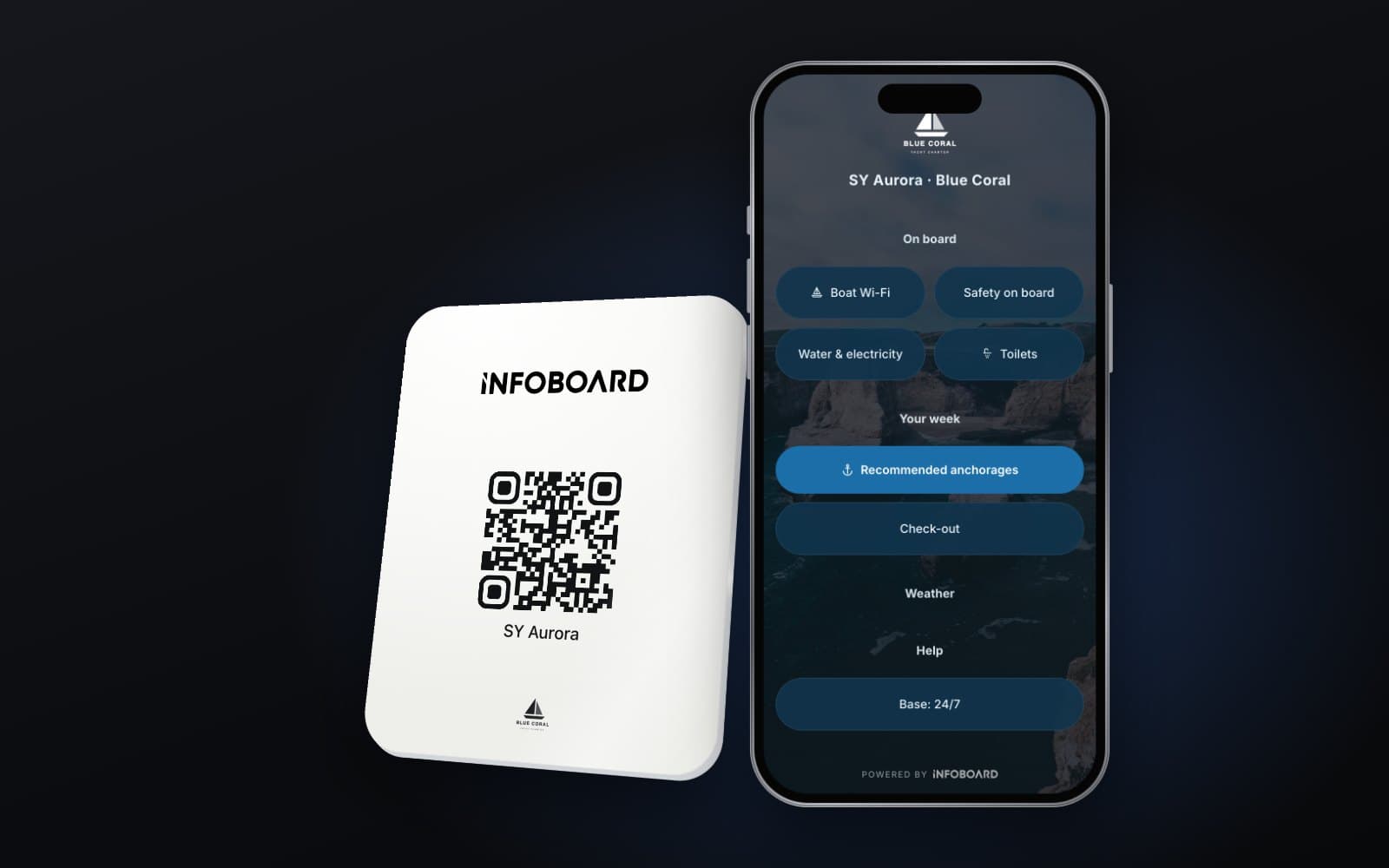
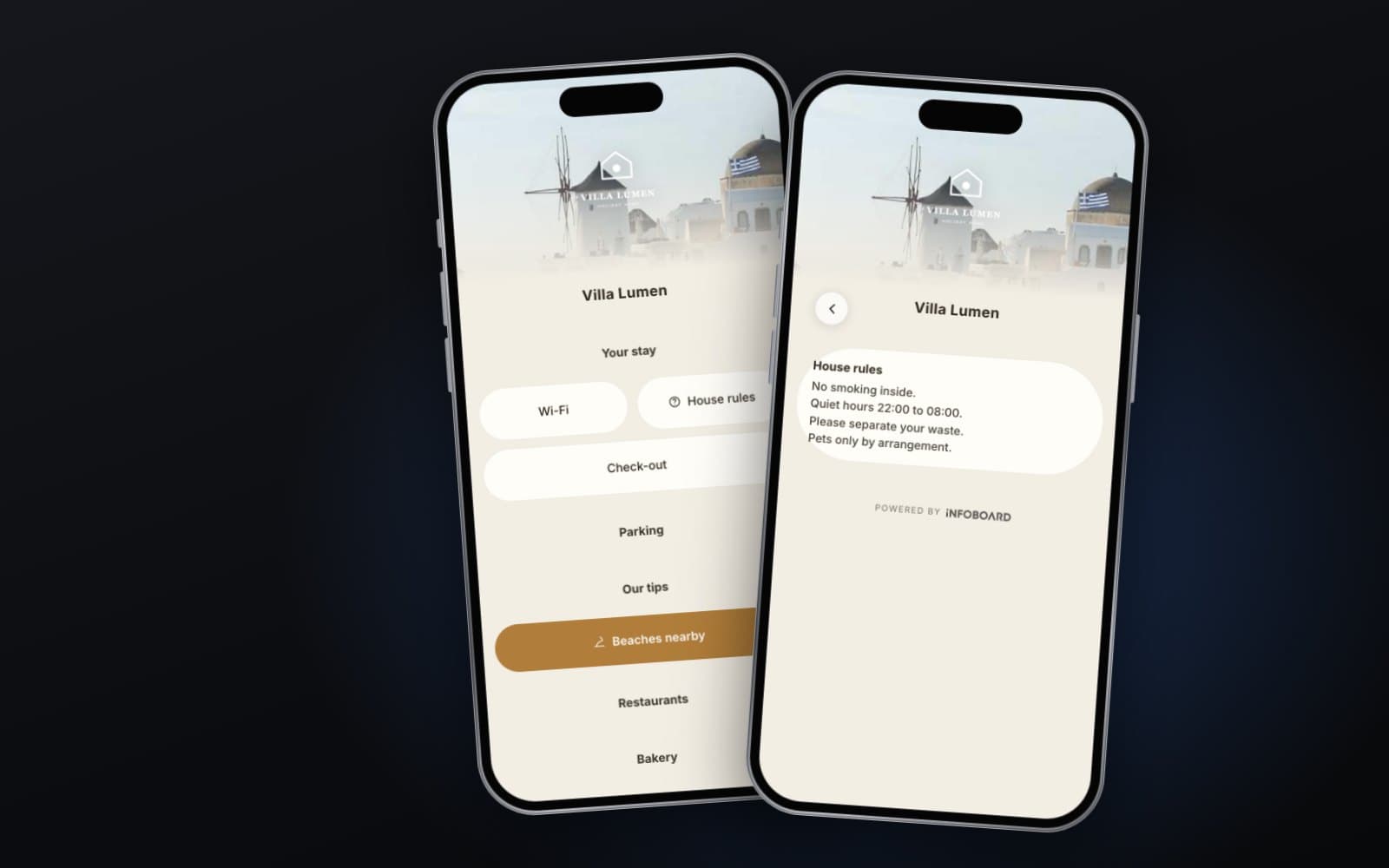
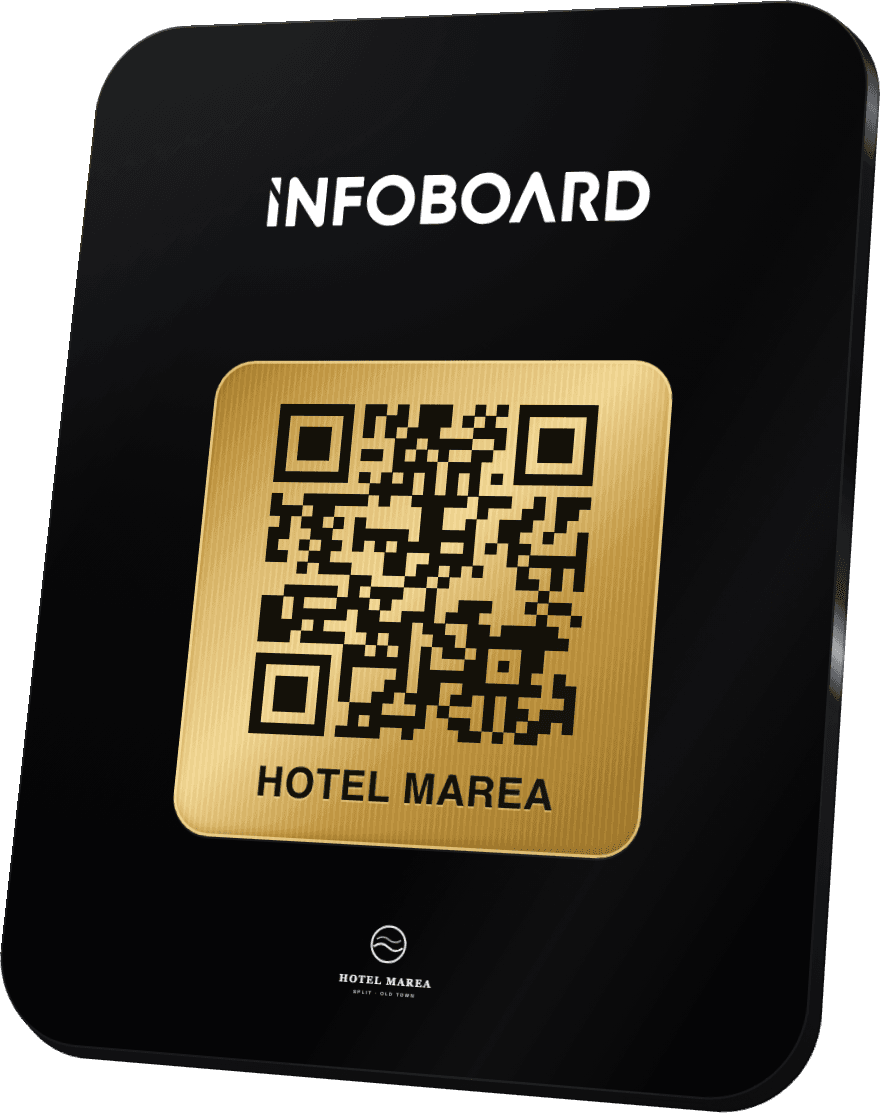
A digital guest compendium is the in-room folder moved onto the guest's phone. Instead of a binder on the desk, there is a small card in the room with a QR code and an NFC chip. The guest taps or scans it and the hotel's information opens in their browser: Wi-Fi, breakfast times, check-out, the spa, the best pub nearby. Some hotels call it a digital hotel compendium or an in-room directory. The idea is the same.
Moving the folder online is easy. Making it something guests actually use takes a little more thought. This guide goes through the profiles that earn their place, what to write on each, and the mistakes that turn a compendium into a digital copy of the binder nobody opened.
Why hotels are moving the compendium online
- It is always current. Change breakfast hours or the Wi-Fi password once and every room shows it at once. No reprinting, no out-of-date inserts.
- It goes where the guest goes. The information is on their phone at the bus stop, in the restaurant and on the train home.
- It answers the repeat questions. The same handful of questions reach reception every day. A clear profile answers them before anyone picks up the phone.
- It can travel before arrival. The same link can go in the pre-arrival email, so guests know about parking and check-in before they set off.
The profiles every hotel compendium needs
Start with what guests ask reception most often. The list below covers most UK hotels; cut what does not apply and add what is unique to you.
1. Welcome and essentials
One short welcome line, then the three things everyone looks for first: the Wi-Fi network and password, the check-out time, and how to reach reception. Put these at the top of the first screen, not three taps deep.
2. Eating and drinking
Breakfast times and where it is served, restaurant and bar opening hours, room service hours and how to order, and dietary options. If tables need booking, add a button that does it.
3. Your room
Heating and air conditioning, the TV, the safe, extra pillows or blankets, housekeeping times and how to skip a daily clean. A photo of an unusual control saves a call.
4. Hotel facilities
Spa, pool, gym, meeting rooms, laundry and luggage storage. For each one: opening hours, how to book, and anything guests need to bring.
5. Getting here and getting around
Parking and any charges, EV charging, the nearest station, local taxi numbers and how long it takes to reach the places guests actually go. Late check-out and airport transfers belong here too if you offer them.
6. Local recommendations
Your own short list beats a generic tourist guide: a walk, a pub, a restaurant for a special night, somewhere for a rainy afternoon. Five honest tips are more useful than thirty links.
7. Safety and accessibility
Fire procedures, the assembly point, what the alarm sounds like, the nearest pharmacy and hospital, and accessibility information for the building. Keep the fire notice on the back of the door as well. The digital profile complements essential safety signage; it does not replace it.
8. Feedback and reviews
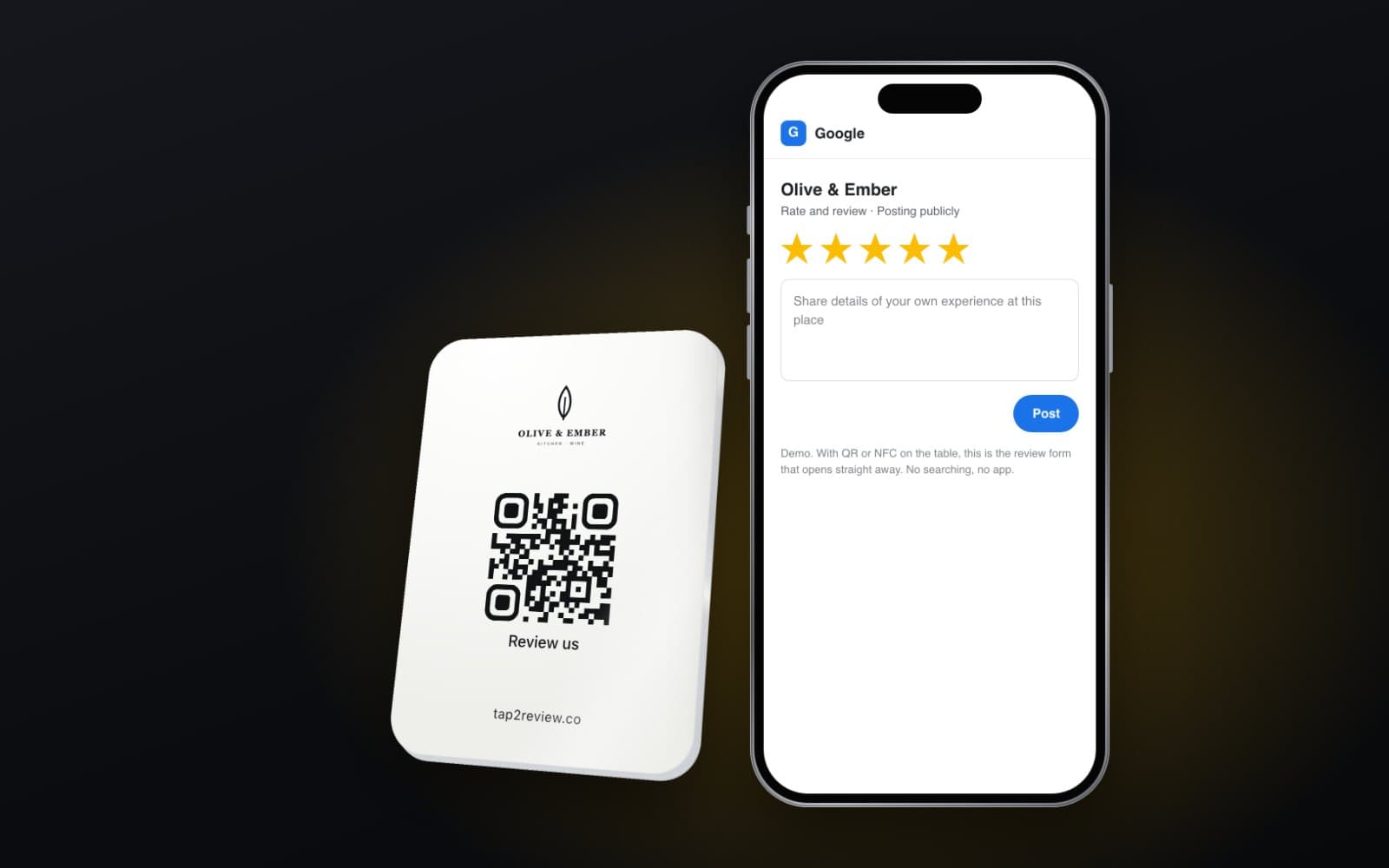
A button for guests to tell you about a problem during the stay, and buttons for the review platforms that matter to you. Both should be visible to every guest, side by side.
How guests open it
A small card or stand in each room, on the desk or by the bed, with an NFC chip and a QR code. NFC lets most modern phones open the profile with a tap; the QR code covers the rest. Put the same stand at reception, in the bar and by the lift, and add the link to your pre-arrival and welcome emails. No app download is needed, which matters: few guests will install an app for a two night stay.
Mistakes to avoid
- Uploading the old PDF. A scanned folder is hard to read on a phone. Rewrite it into short profiles.
- Too much text. Guests scan. Use short sentences, clear headings and buttons for actions.
- No owner. Someone on the team must be responsible for keeping it current, or it drifts out of date just like the paper version.
- Burying the basics. If the Wi-Fi password takes three taps to find, guests will still phone reception.
- One language only, when many of your guests would rather read another. Add a second language for your main markets.
Quietly selling more
A compendium is also the most natural place to mention what guests can book: a spa treatment, a table for dinner, a late check-out, a transfer. Present these as useful information, with a button that books or calls, rather than as adverts. Guests appreciate being told; they dislike being sold to.
Keeping it alive
Set a simple routine. Check the compendium at the start of each season, whenever opening hours change and whenever a recommended place closes. Ask reception which questions they still get asked, and add the answers. A compendium that grows from real questions gets better every month.
How Infoboard does it
Infoboard is our digital guest guide for hotels, yacht charters, marinas and holiday rentals. We build the profiles from your existing folder or website, in your colours, and you edit them yourself from a dashboard. The stands and cards need no power or Wi-Fi; all content lives online and changes go live instantly. The Infoboard page has a live hotel demo you can tap through to see how a guest finds the Wi-Fi, the breakfast times and the way back.
What is a digital guest compendium?
It is a hotel's in-room information folder delivered to the guest's phone, usually opened by scanning a QR code or tapping an NFC tag in the room.
Do guests need to download an app?
Not with a web-based compendium. It opens in the phone's browser, which is a big reason guests actually use it.
Can each room have different information?
Yes. Rooms, suites or buildings can have their own profiles, while shared profiles such as breakfast and parking are reused.
Should we keep anything on paper?
Keep essential safety notices, such as fire procedures, on paper as well. Everything else can live in the digital compendium.