A digital welcome book for your holiday let: the complete checklist
The folder on the kitchen table, rebuilt for the phone. A step by step checklist for UK holiday let owners.
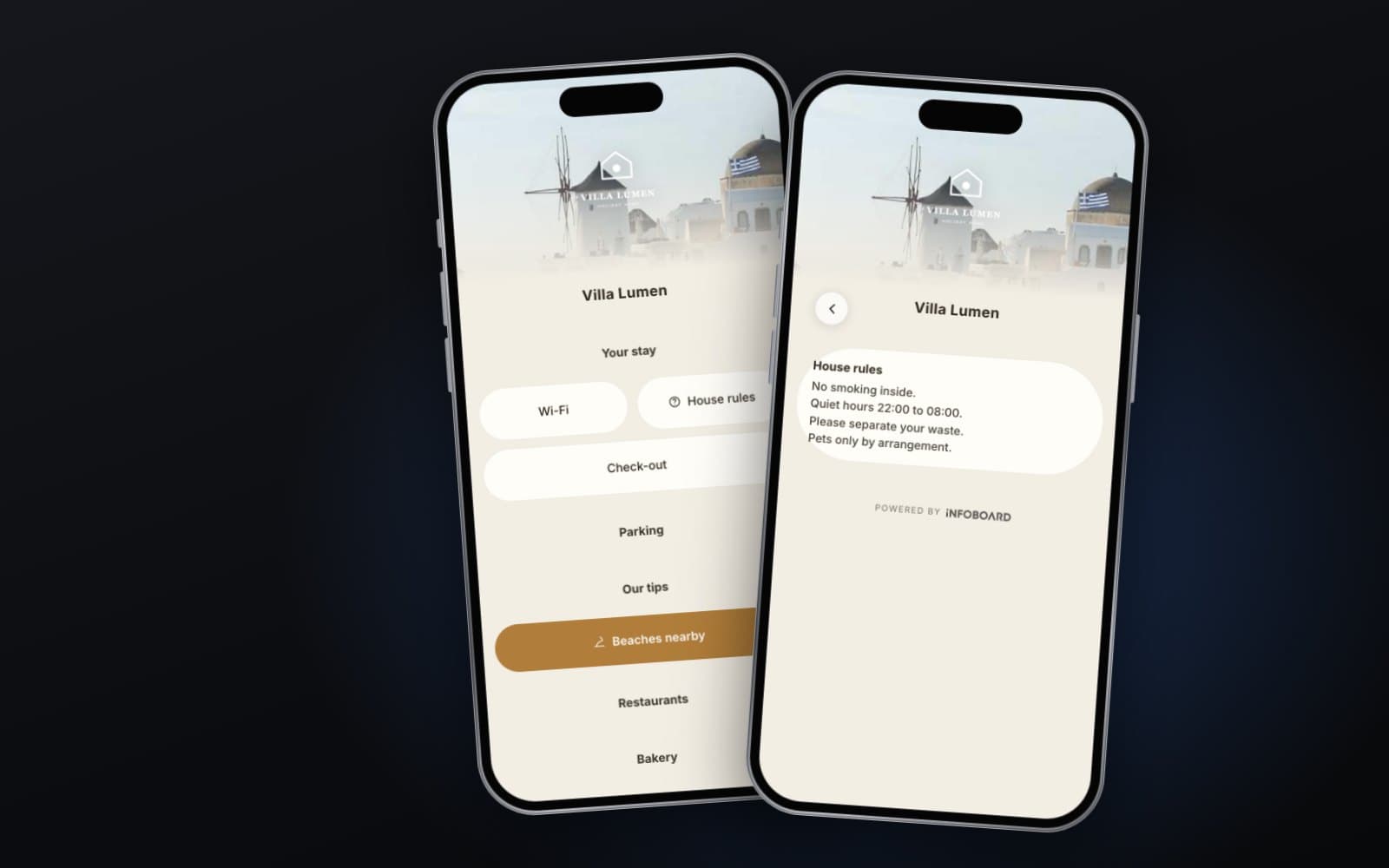
A digital welcome book for a holiday let does the job of the folder on the kitchen table, but on the guest's phone. It opens from a QR code or an NFC tag by the door, or from a link you send before arrival. It tells guests how to get in, how the heating works, where the bins go and where to find a good pub, without a phone call to you at nine in the evening.
Below is a checklist of what to include, organised the way guests actually need it: before arrival, during the stay and at departure.
Before arrival
- Address and directions, with a map link and a photo of the entrance if it is hard to find.
- Parking: where, how many cars, any permits, and what to avoid, such as a neighbour's drive.
- Check-in time and how to get the keys: key safe location and code, or who will meet them.
- What to bring, if anything is not provided, such as beach towels or logs for the stove.
- Your contact details and the best way to reach you.
Send the welcome book link with your booking confirmation. Guests who read the arrival profiles on the way rarely need to call you from the doorstep.
The house manual
This is the section that saves the most messages. Write it for someone tired, in an unfamiliar house, late at night.
- Wi-Fi network and password, at the very top.
- Heating and hot water: where the controls are, how to boost them and what normal looks like. A photo of the thermostat helps.
- Appliances: oven, hob, dishwasher, washing machine, coffee machine. One or two lines each, with photos of anything unusual.
- The TV and streaming: which remote does what.
- Hot tub, log burner or barbecue, if you have them, with clear safety rules.
- Where to find spare bedding, towels, light bulbs and the vacuum cleaner.
House rules
Keep these short and friendly: smoking, pets, quiet hours, the maximum number of guests, parties, and anything specific to the property, such as shoes off on the wooden floors. A brief reason helps rules feel fair: “quiet after 10pm please, our neighbours have young children”.
Safety
- Where the fire extinguisher, fire blanket and first aid kit are.
- What the smoke and carbon monoxide alarms sound like, and what to do if one goes off.
- Escape routes, and where the keys are for any locked windows or doors.
- Where to turn off the water, gas and electricity.
- Emergency numbers: 999 for emergencies and 111 for urgent medical advice, plus the nearest A&E and pharmacy.
Bins and recycling
In the UK this deserves its own profile, because every council does it differently. Say which bin takes what, which day collection happens and where to leave the bins. Guests who get this wrong cause trouble with neighbours and extra work for your cleaner.
Local guide
Your own recommendations are the most valued part of any welcome book. Keep them personal and short.
- The nearest shop and what time it closes.
- Two or three places to eat, from a pub to somewhere special.
- Walks, beaches or days out, with how long it takes to get there.
- What to do on a rainy day.
- Local taxi numbers, and bus or train information.
Departure
- Check-out time, and whether a late check-out is possible.
- What to do with keys, rubbish, dishes and used towels.
- Heating, windows and doors to check before leaving.
- A thank you, and how to book again directly.
Asking for reviews the right way
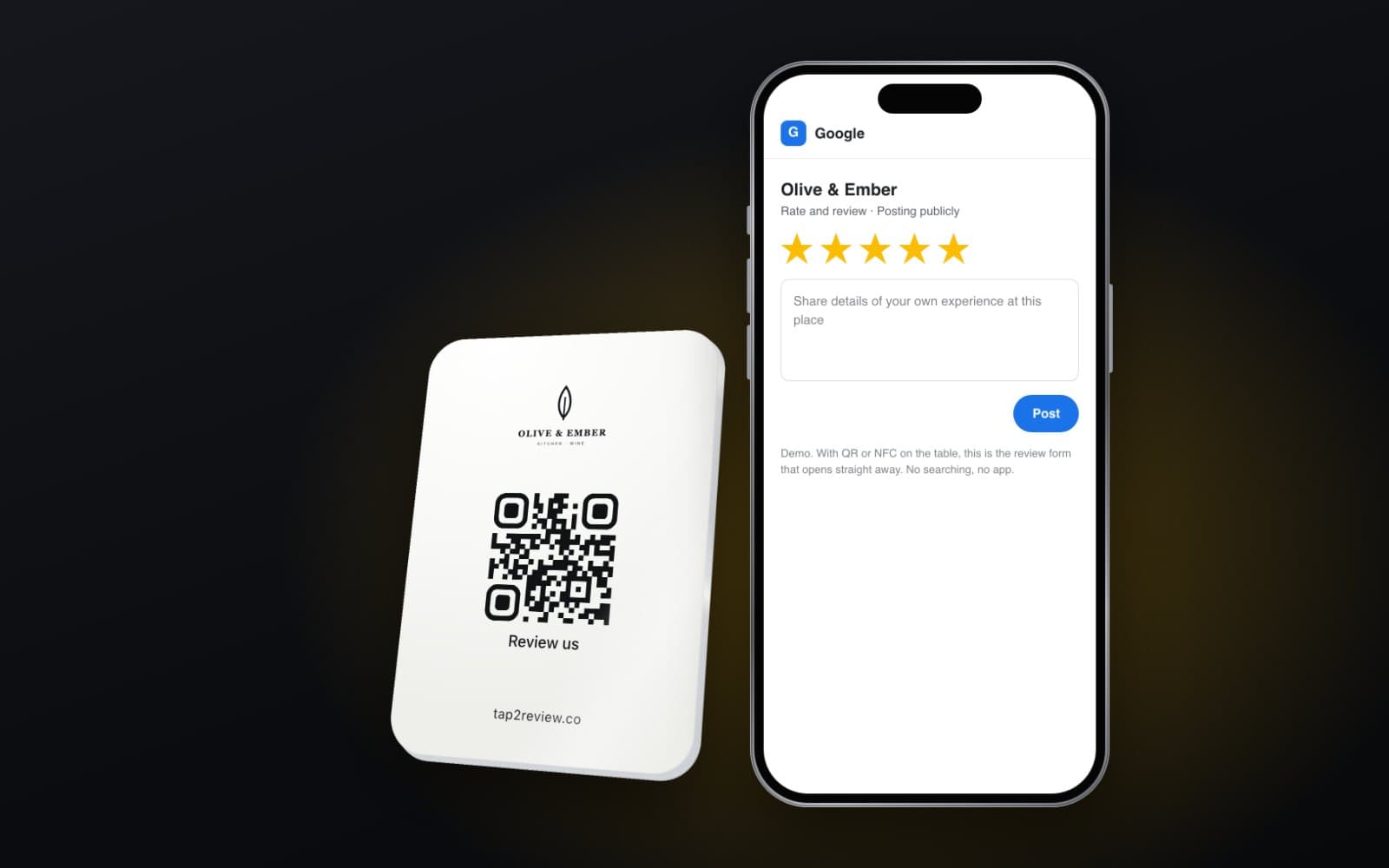
A welcome book is a natural place for a review button, but it has to be fair. Show every guest the same buttons for the platforms you use. If you want to hear about problems privately, add a “Tell us directly” option next to them, never instead of them. Google prohibits selectively asking happy guests for reviews, and the UK DMCC Act bans fake and concealed incentivised reviews, so no discount on the next stay in exchange for five stars.
Mistakes to avoid
- Uploading the old printed folder as a PDF. It is hard to read on a phone.
- Hiding the Wi-Fi password several profiles in.
- Recommending places that have since closed.
- Too much text. Use short paragraphs, photos and buttons.
- Forgetting to update codes. If the key safe code changes, the welcome book must change the same day.
How Infoboard does it
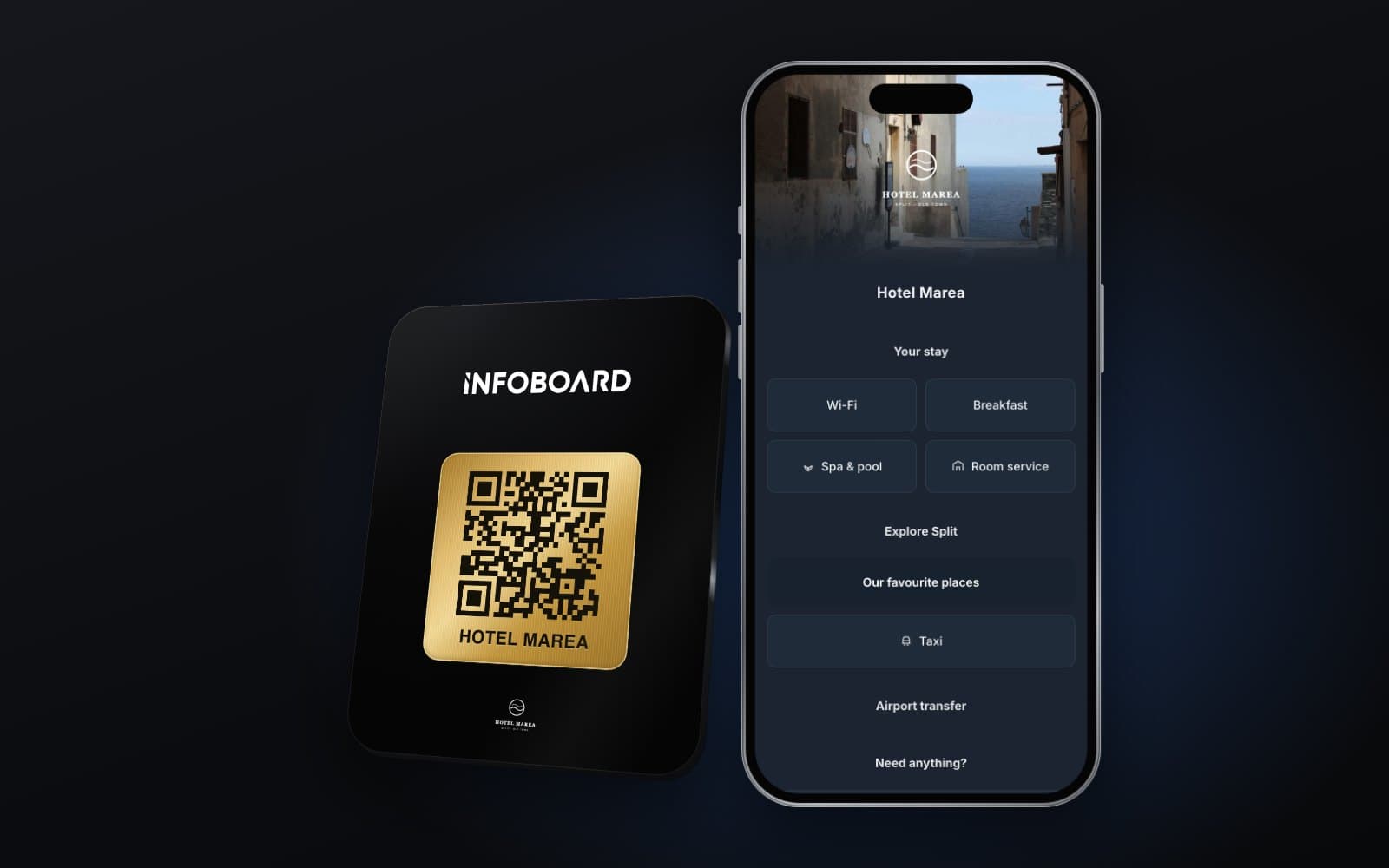
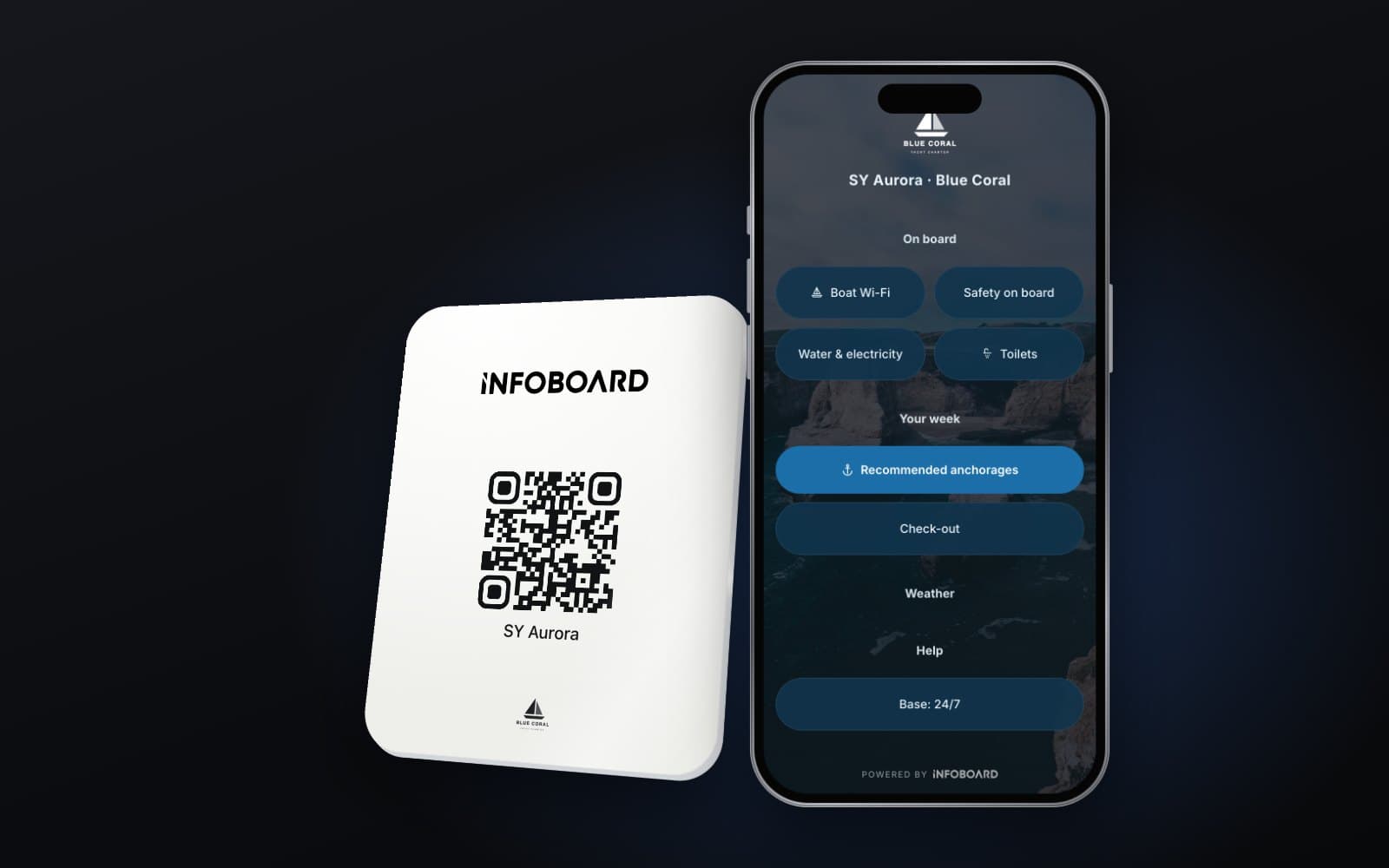
Infoboard is our digital guest guide for holiday rentals, hotels, yacht charters and marinas. We build the profiles from what you already have, in your colours, and you update them from your phone. A small QR and NFC card by the door opens it with a tap or a scan, and the same link goes in your booking messages. If you manage several properties, shared profiles such as the local guide are written once. The Infoboard page has a live holiday rental demo: open the house rules, then the beaches.
What should a holiday let welcome book include?
Arrival and parking, Wi-Fi, a house manual, house rules, safety information, bins and recycling, local tips and departure instructions.
Is a digital welcome book better than a printed one?
For most content, yes: it stays current, guests can read it before arrival and it never goes missing. Keep essential safety information printed too.
How do guests open a digital welcome book?
From a link in the booking confirmation, or by scanning a QR code or tapping an NFC tag in the property. No app is needed.
Can I use one welcome book for several properties?
Yes. Shared profiles such as the local guide can be reused, while each property keeps its own arrival, Wi-Fi and house manual profiles.