On the table
QR or NFC, in your brand
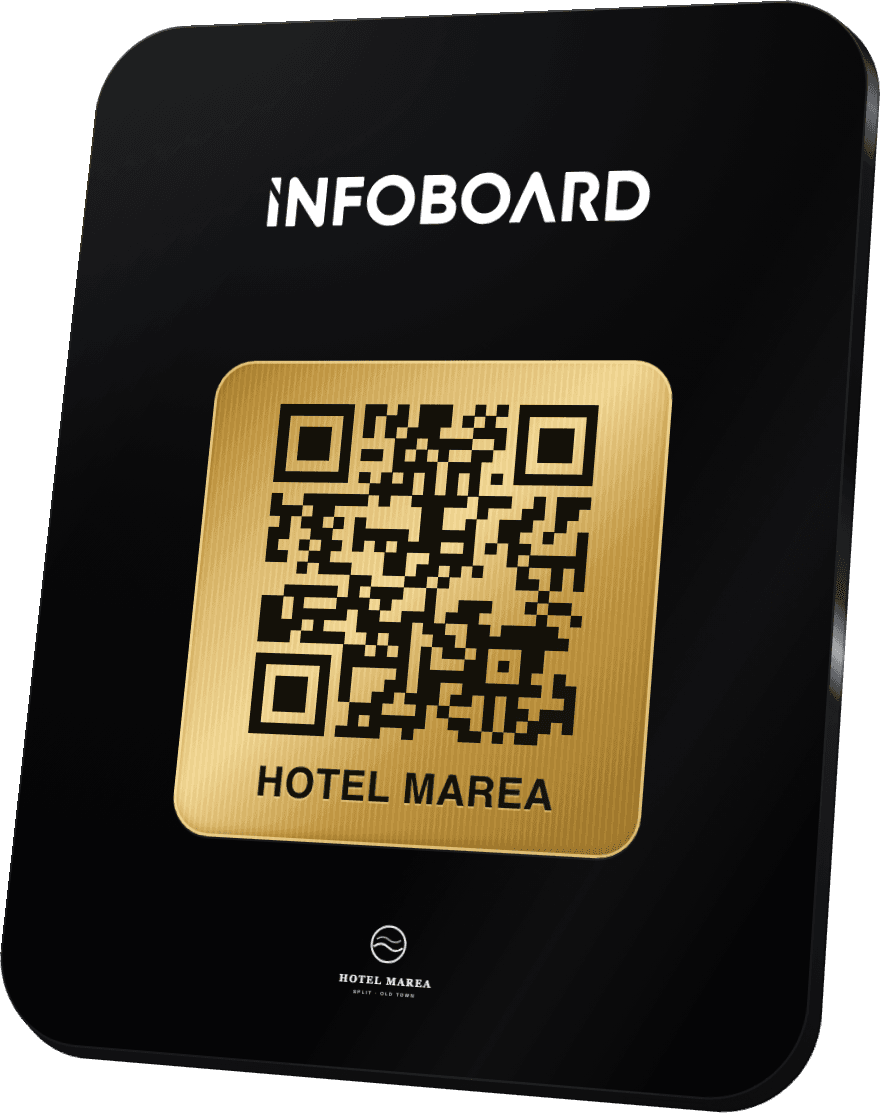
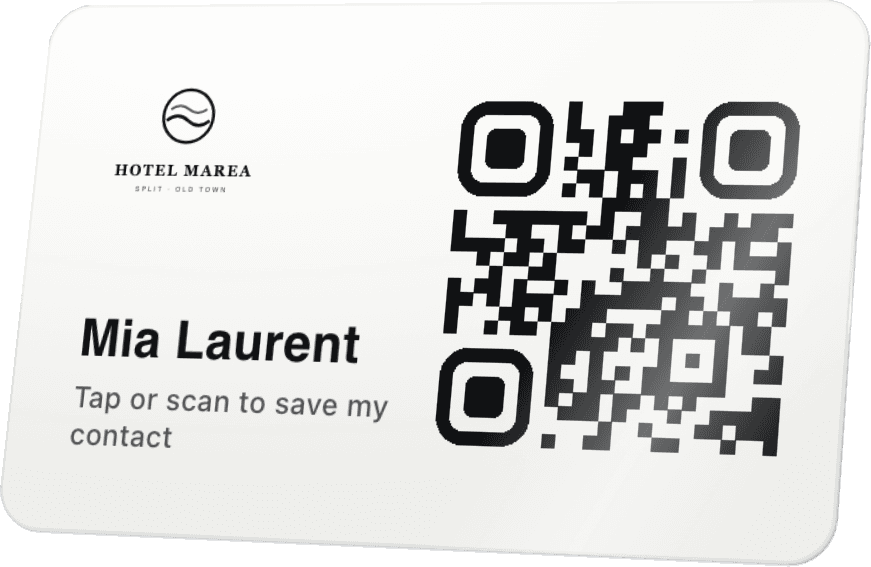
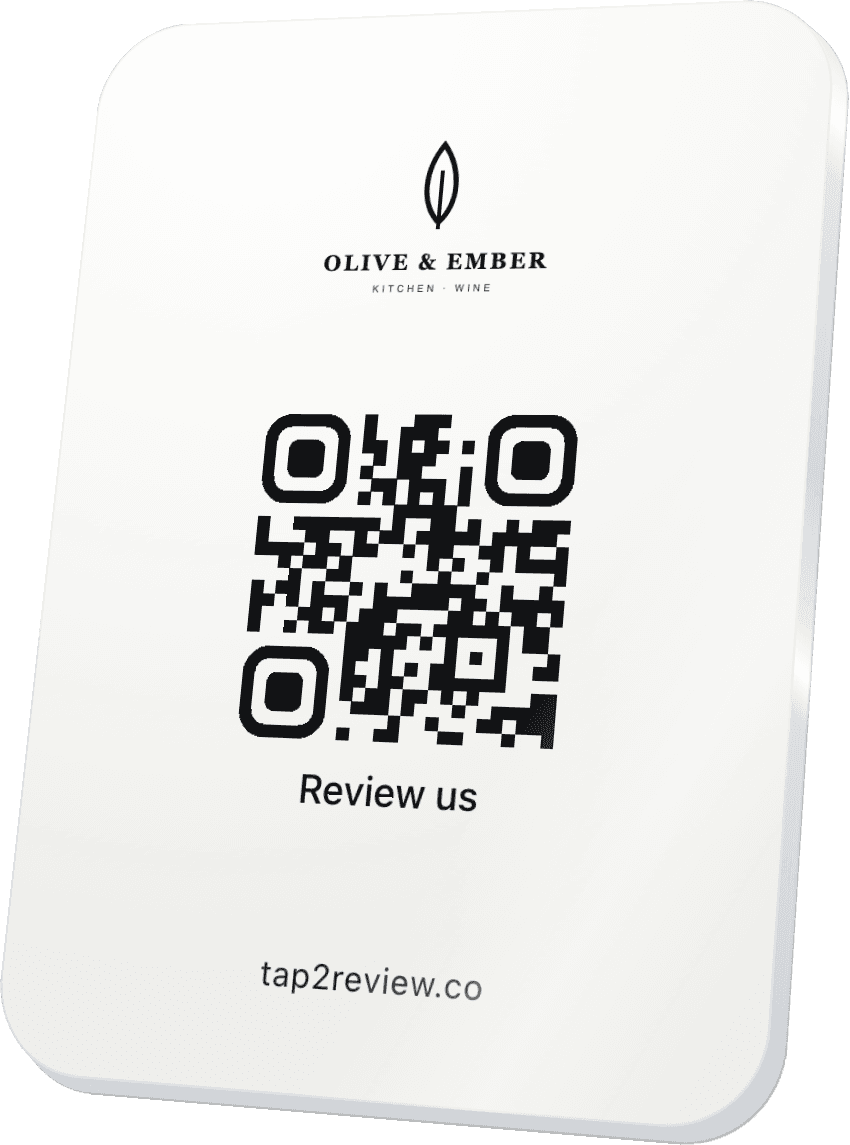
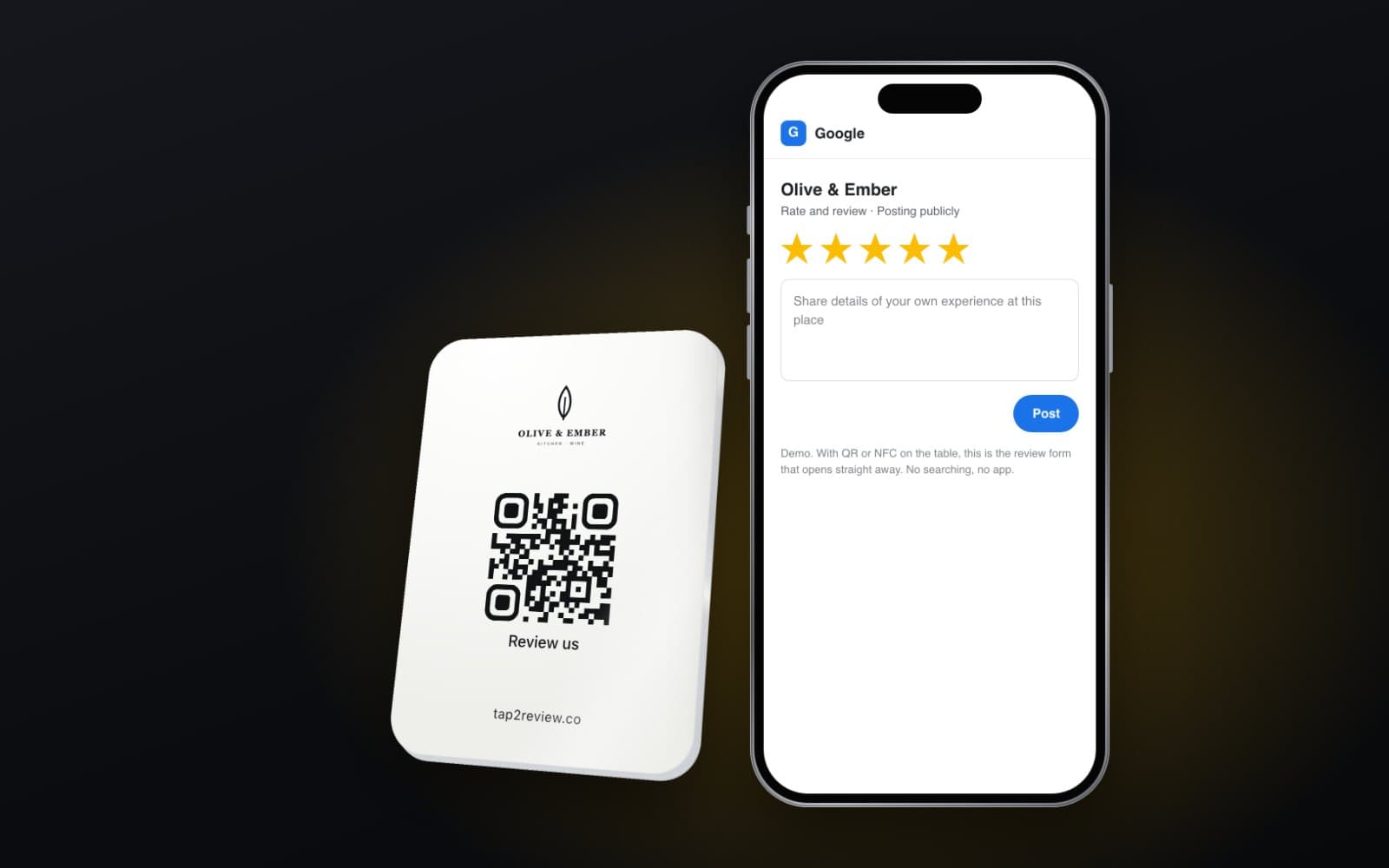
Table stand, wall sign, card or sticker. Any phone opens it.
Most happy guests would review you. They just never get round to it. Put a board on the table: one tap or scan and your Google review form is open, stars ready. It takes them about 20 seconds. Drop your logo below and see yours.
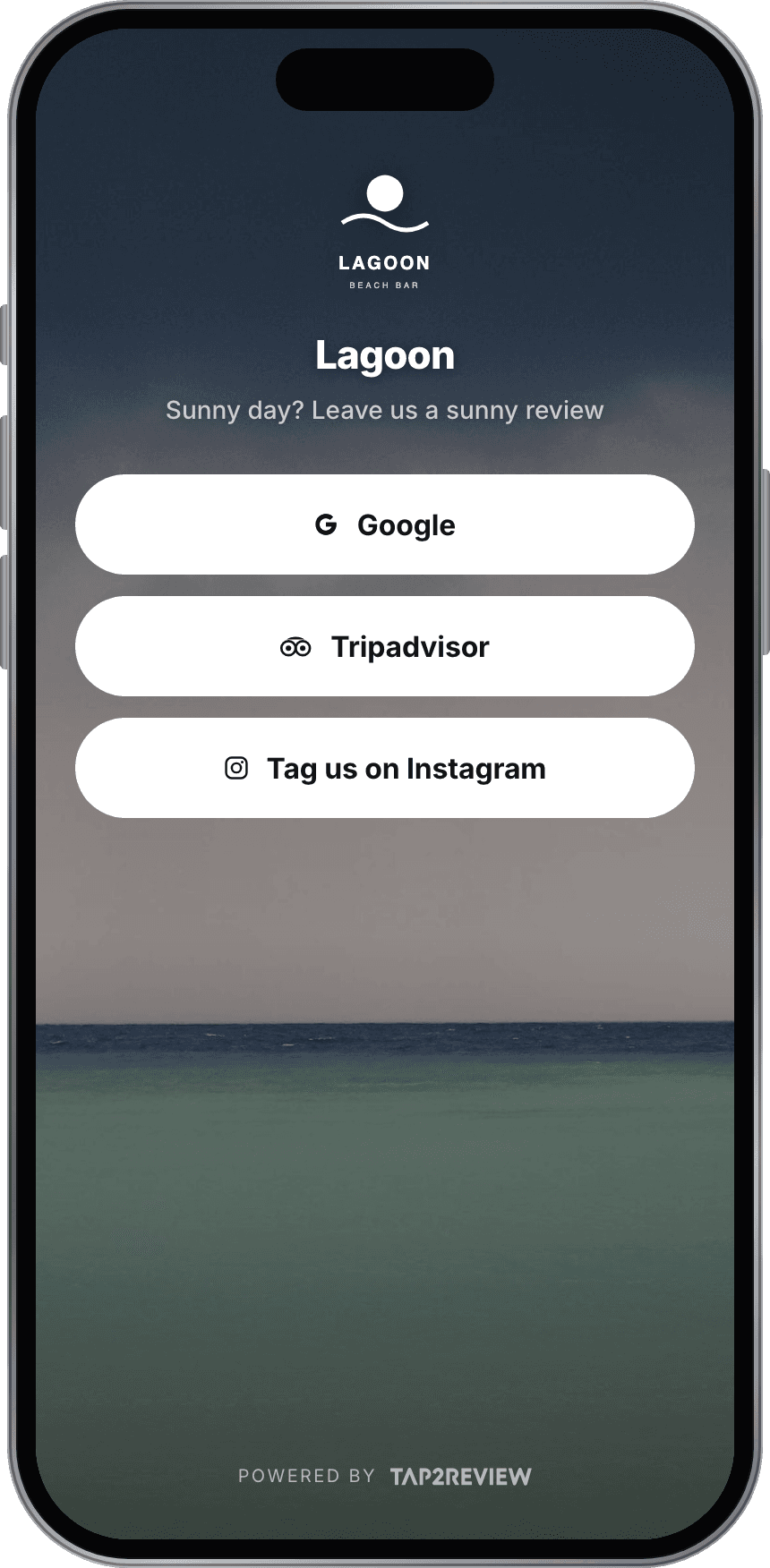
On loungers and at the bar. Guests tap with the phone, no camera and no app needed.
Try itTap a button: everything opens in one tap, no app needed.
Stays in your browser. Nothing is uploaded.
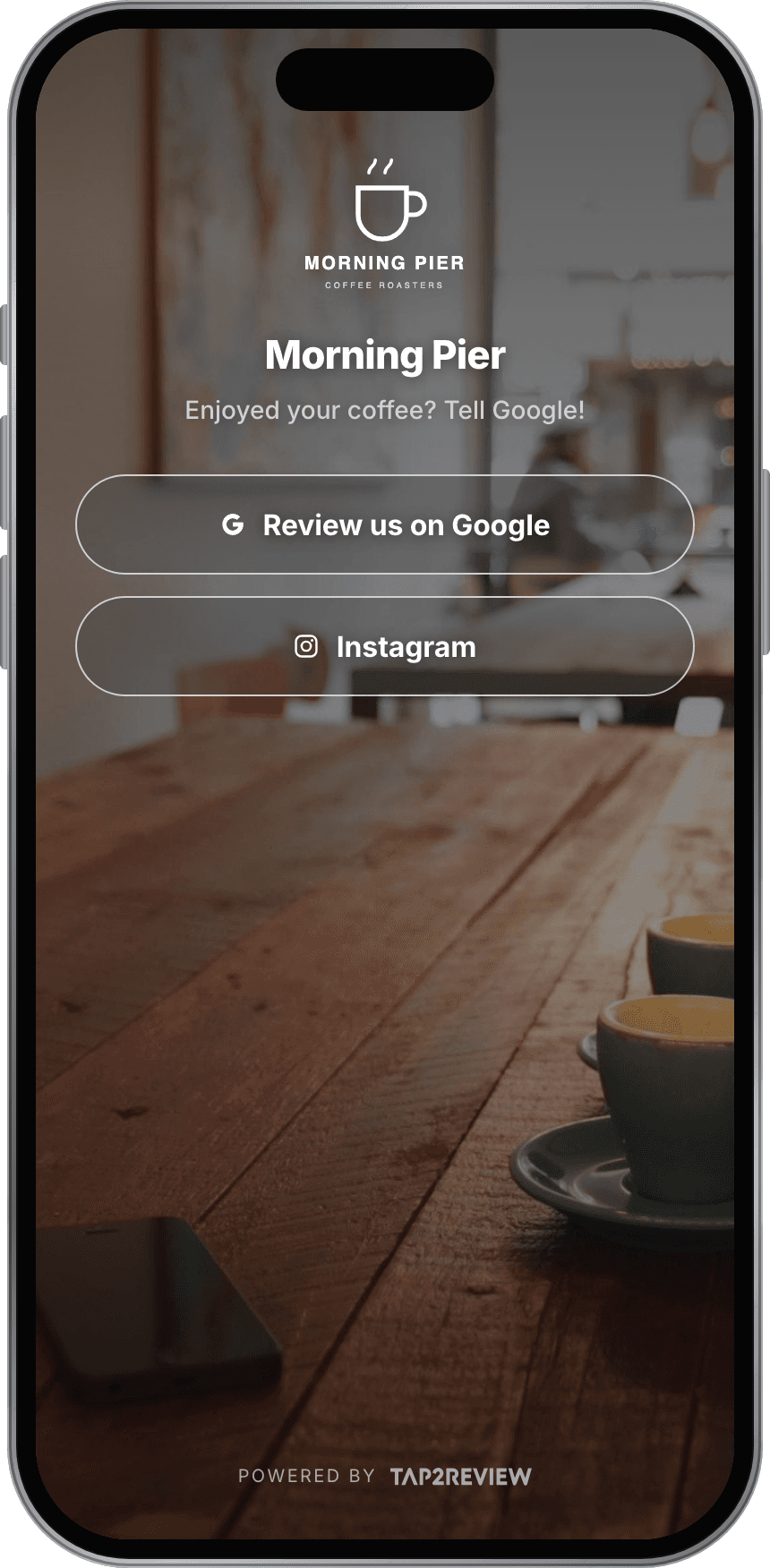
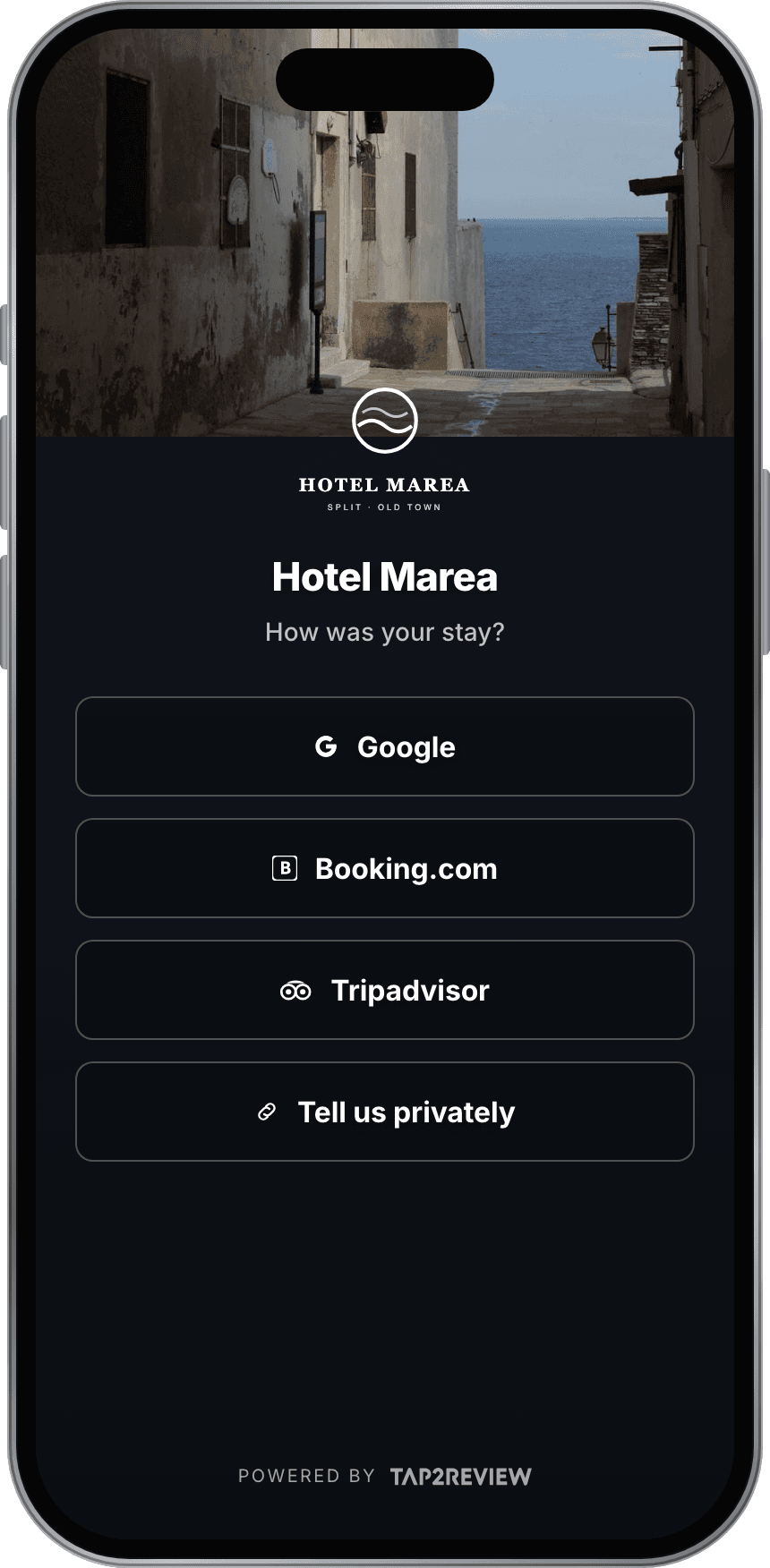
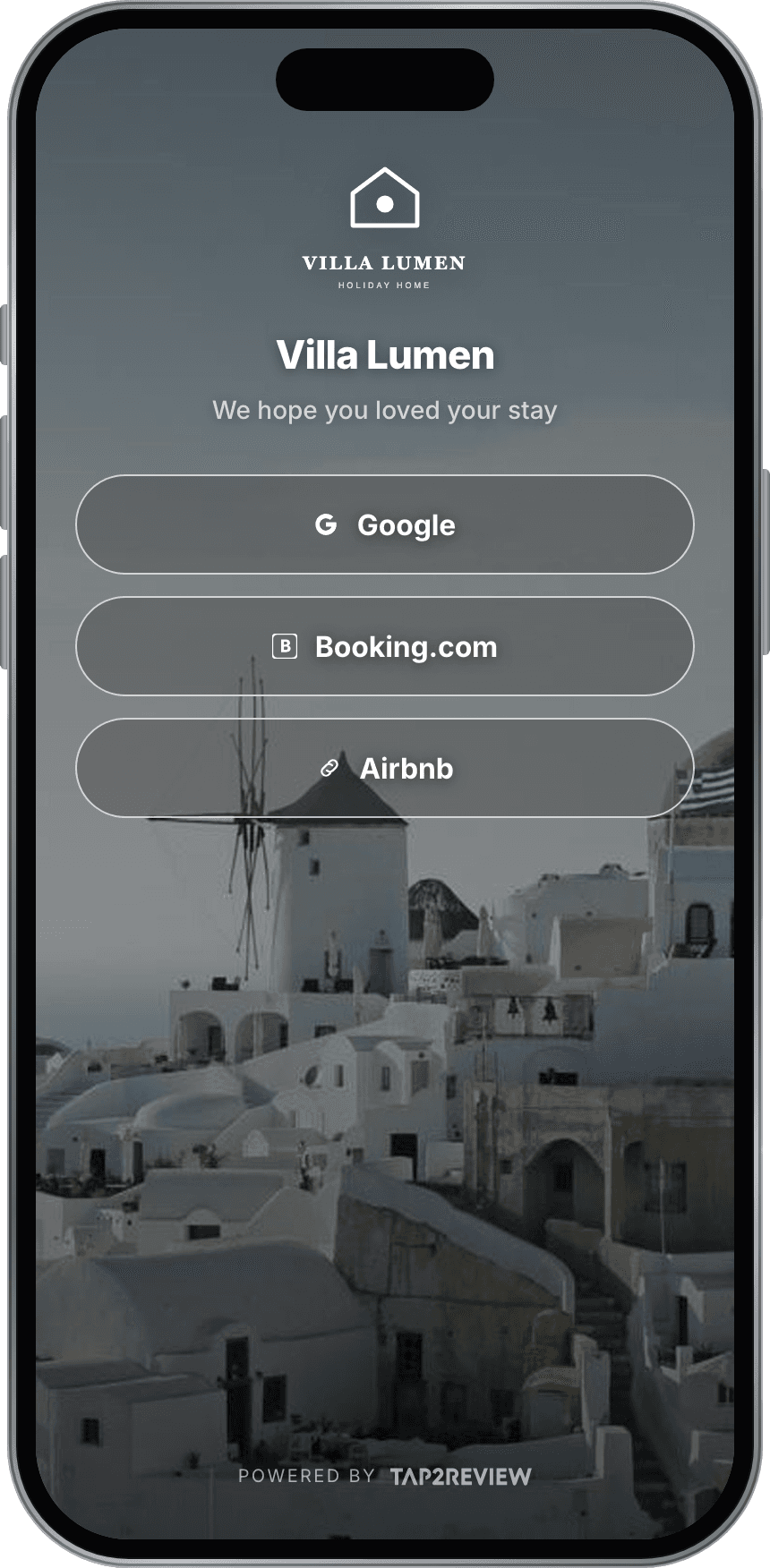
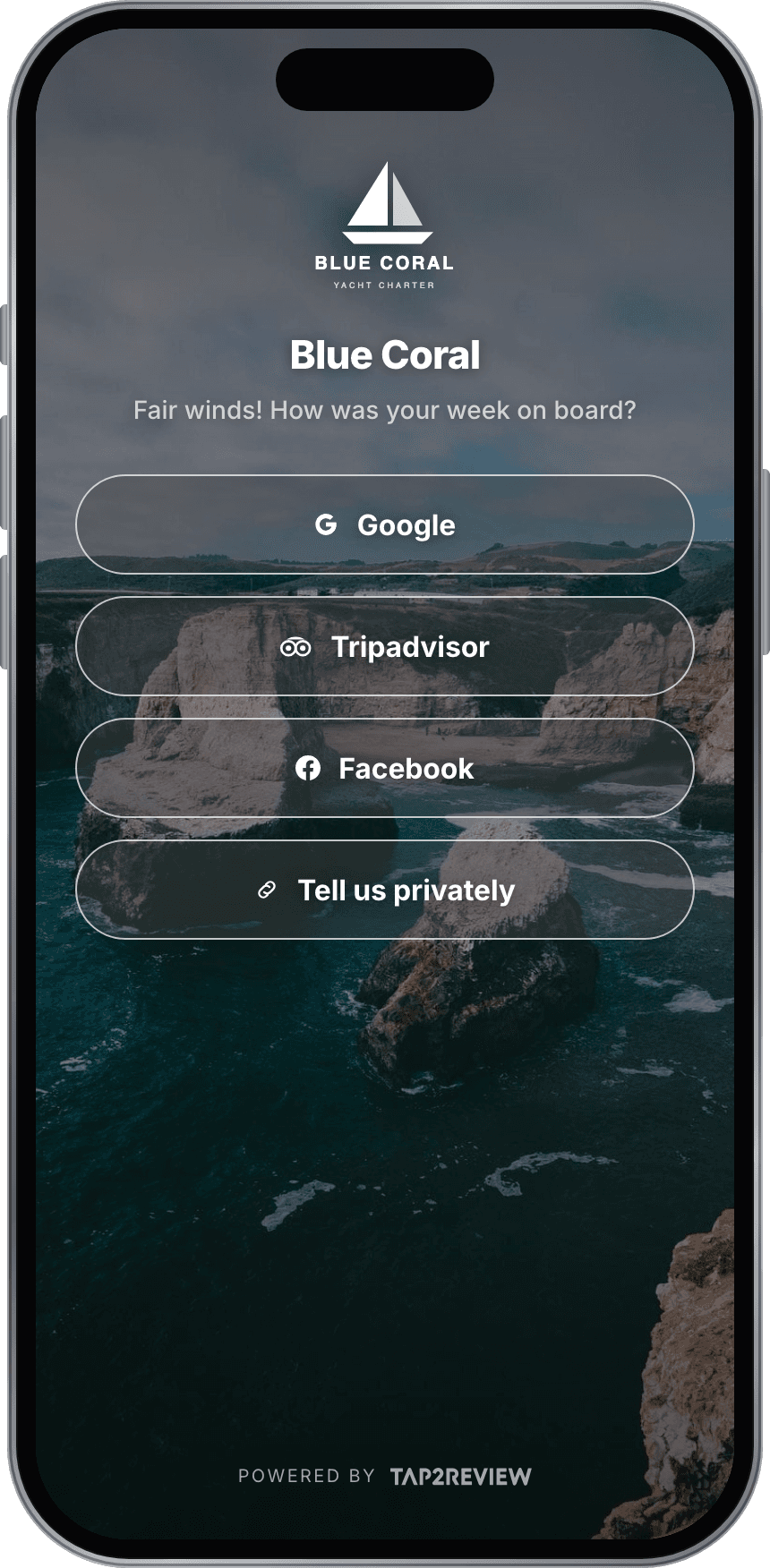
Live demo. Tap anything on the screen.
Examples
Every example is a live demo. Pick one and it opens above, ready to tap.
Pick a shape and a finish. We make it with your logo and send it to you.

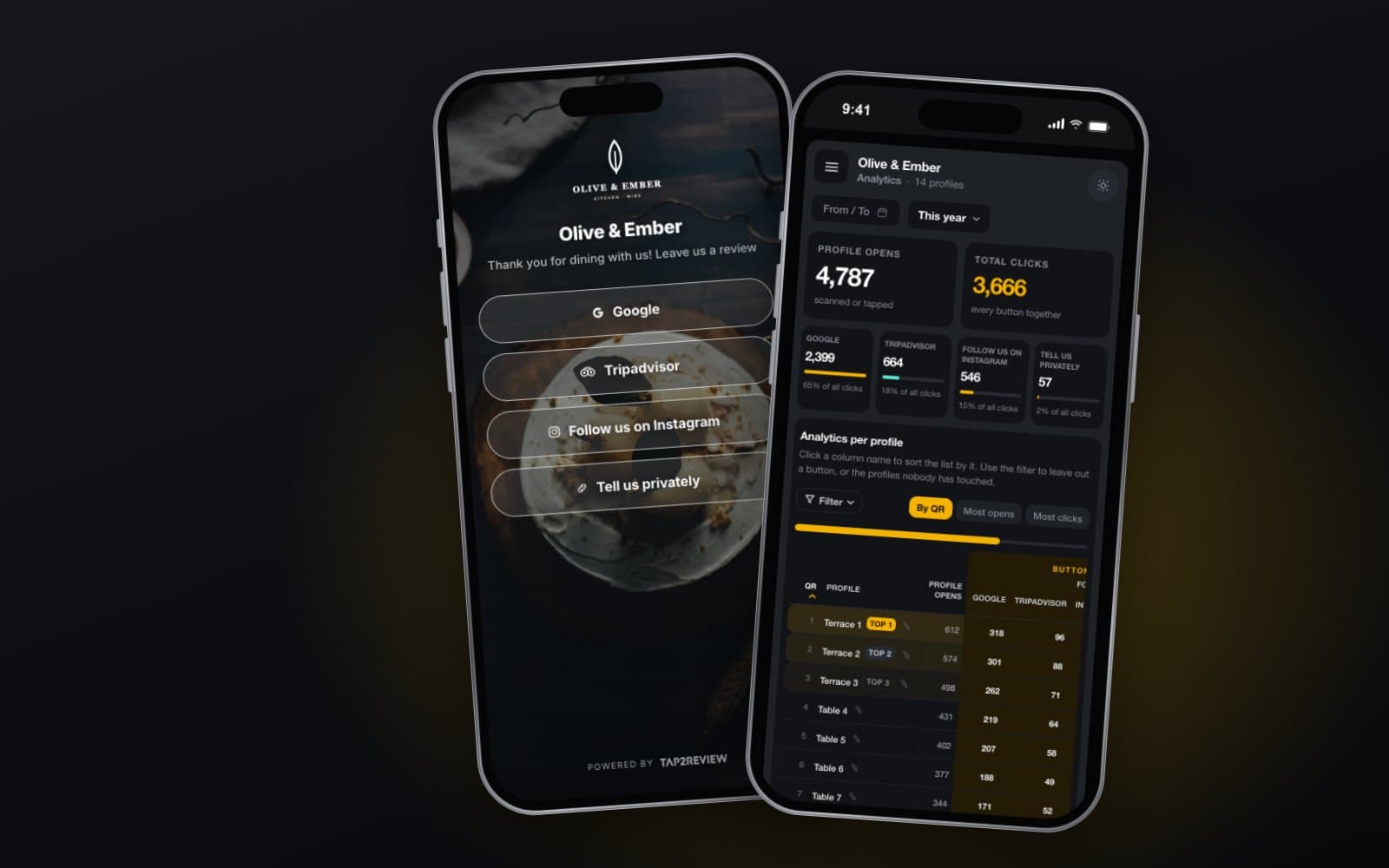
Thank you for dining with us! Leave us a review

Stays in your browser. Nothing is uploaded.
2 x 72 x 100 mm table stand, black gloss, with the example logo.
What you get
The thing your guests touch, the profile they see, the dashboard you use, and our team when you need it.
On the table
Table stand, wall sign, card or sticker. Any phone opens it.
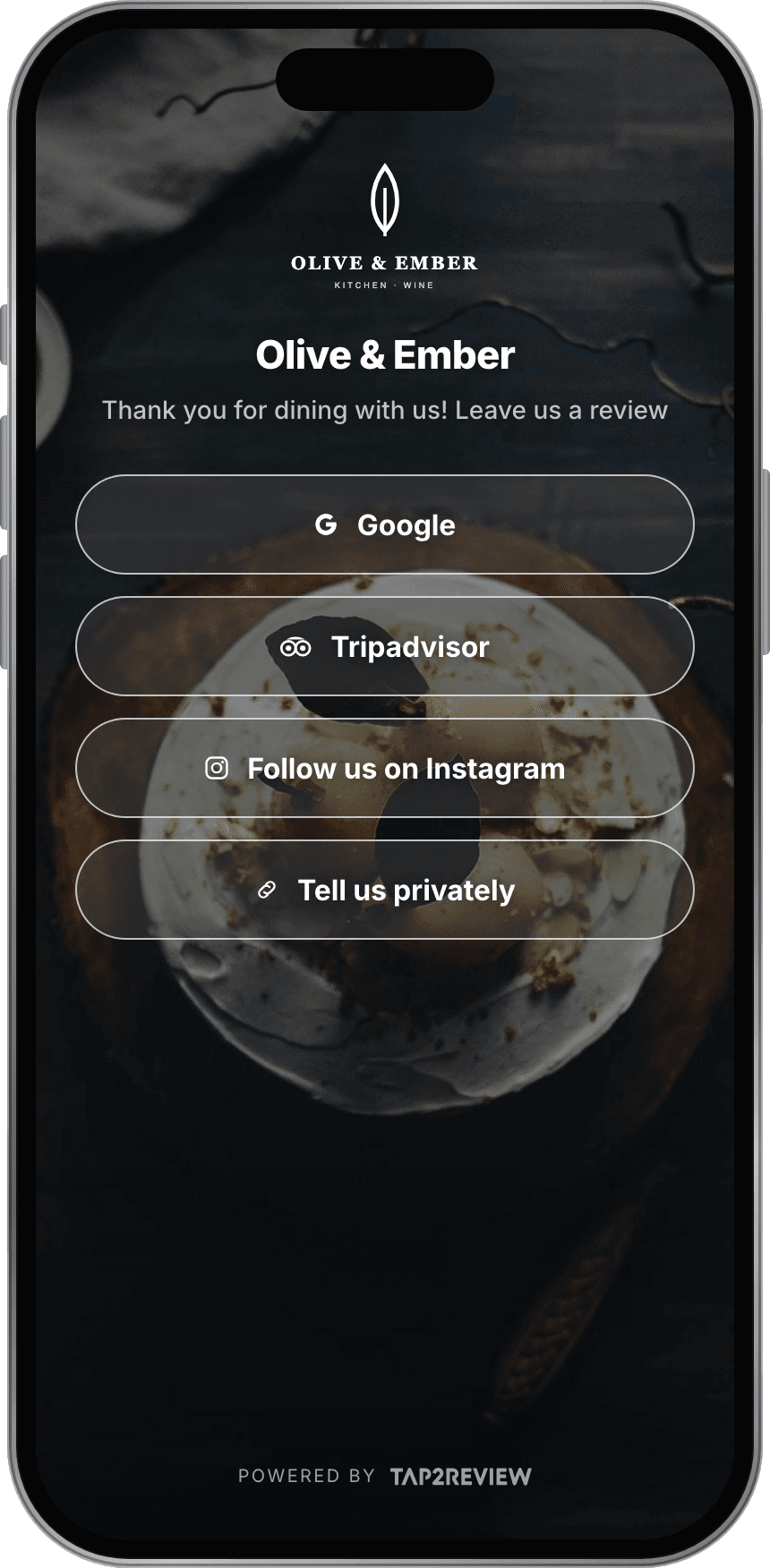
The guest profile
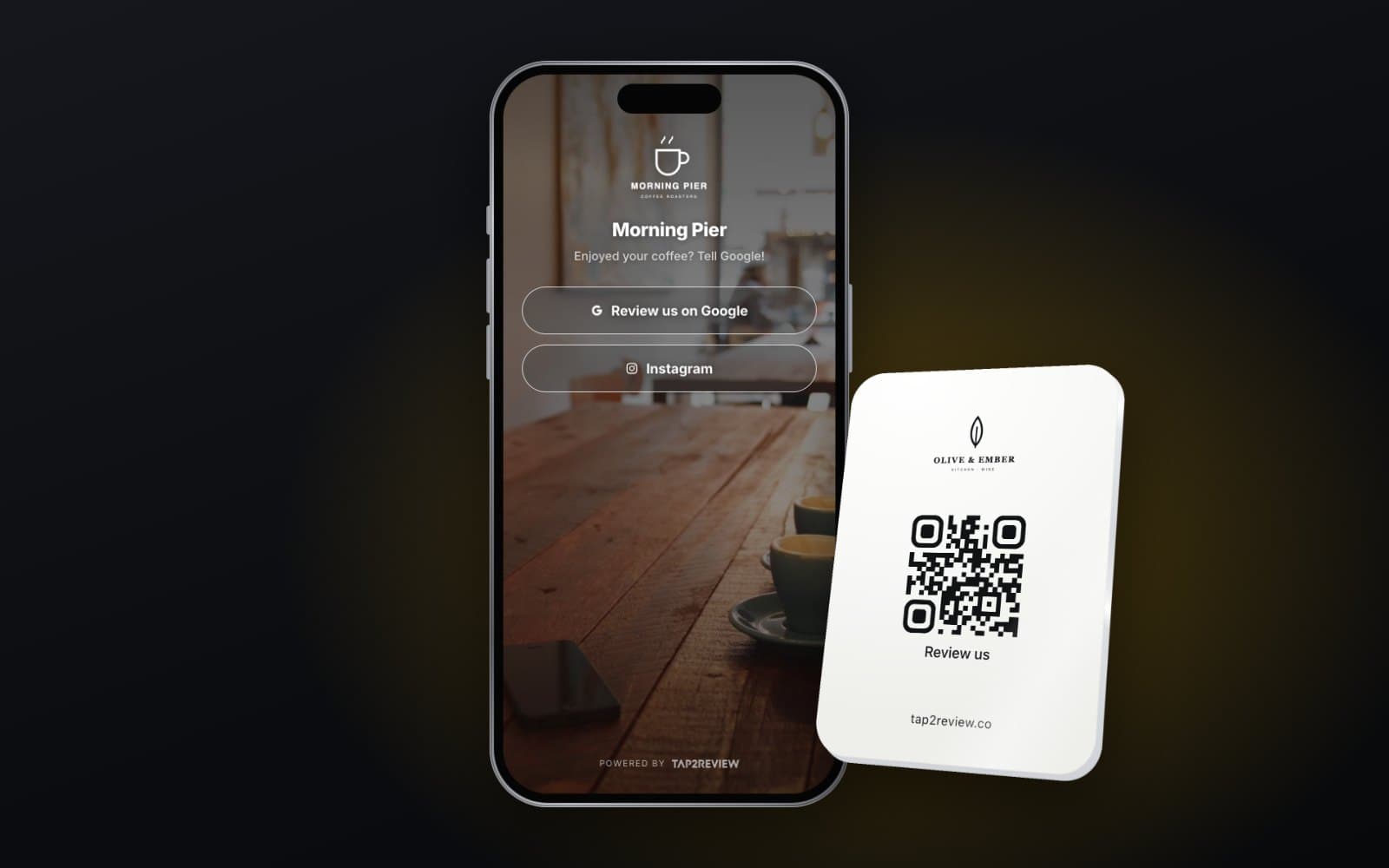
Google, Tripadvisor, Facebook, Instagram. You choose which and where.
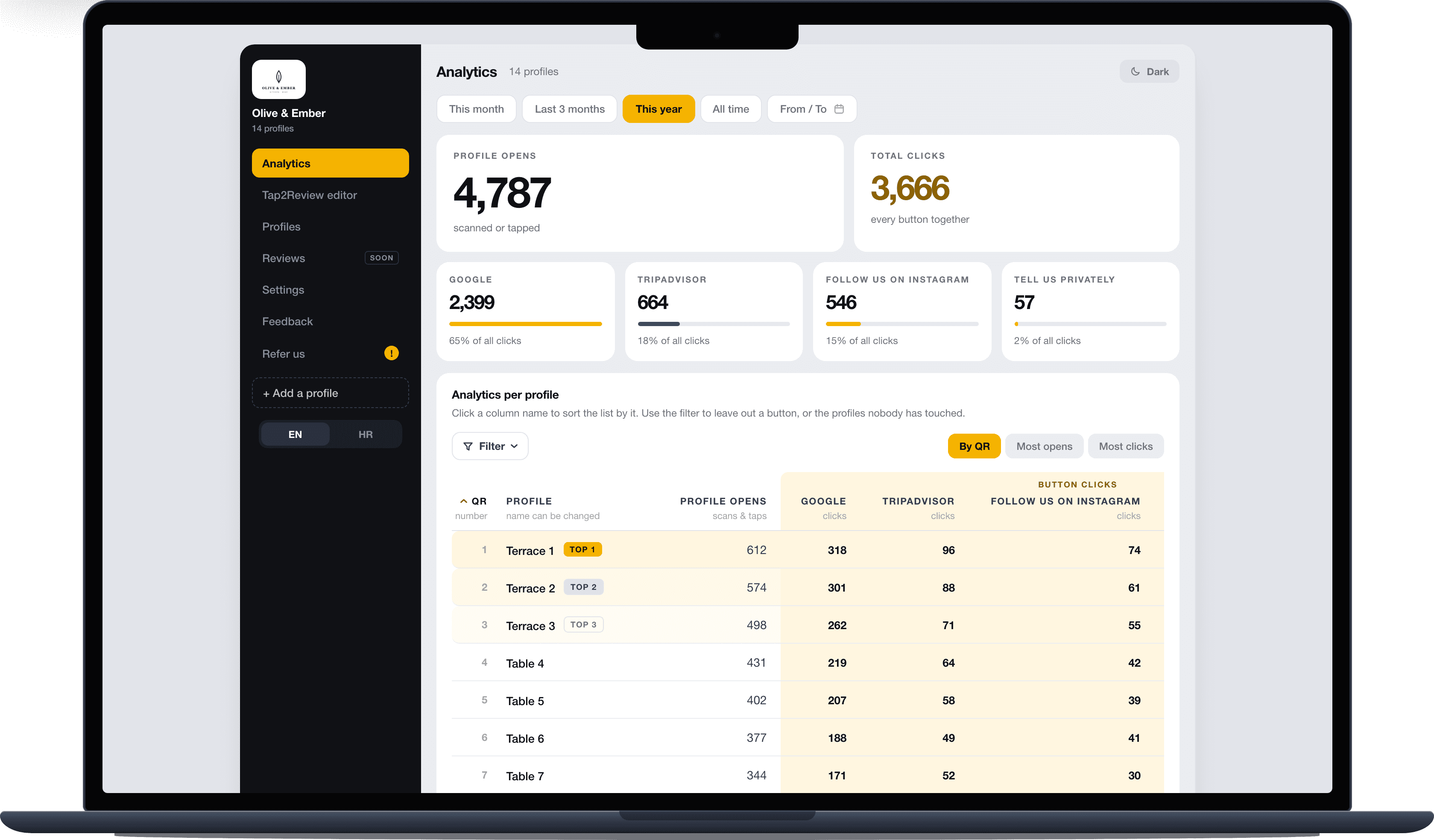
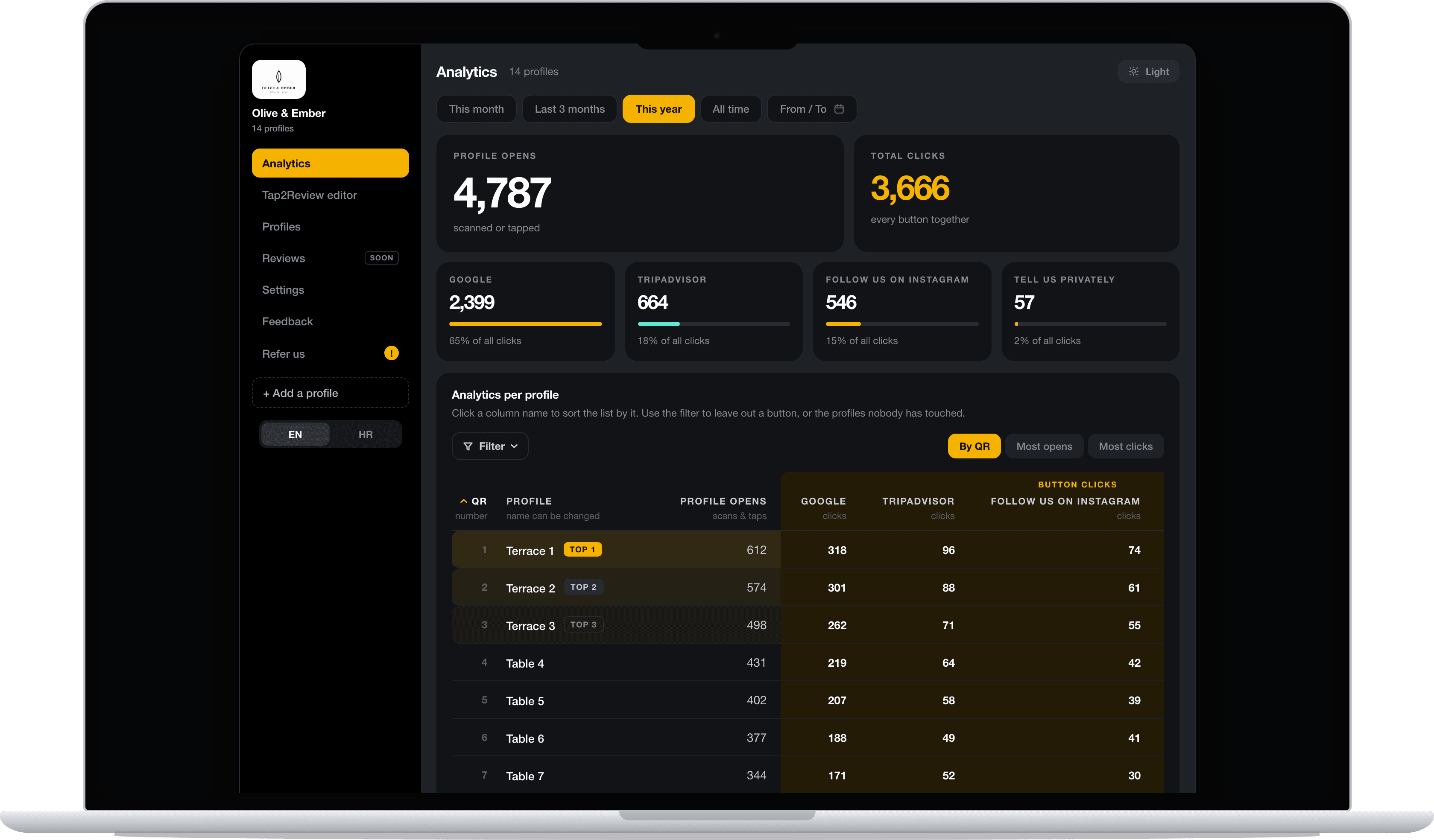
Your dashboard
Opens per table and clicks per button, over any date range.
Built by you
Your logo, your colours, your links. We make the board, and our team helps when you need it.
How it works
A stand, sticker or wall sign with your logo and a QR code. NFC inside if you want it.
Any phone works. NFC needs just a touch, the QR code works with the camera.
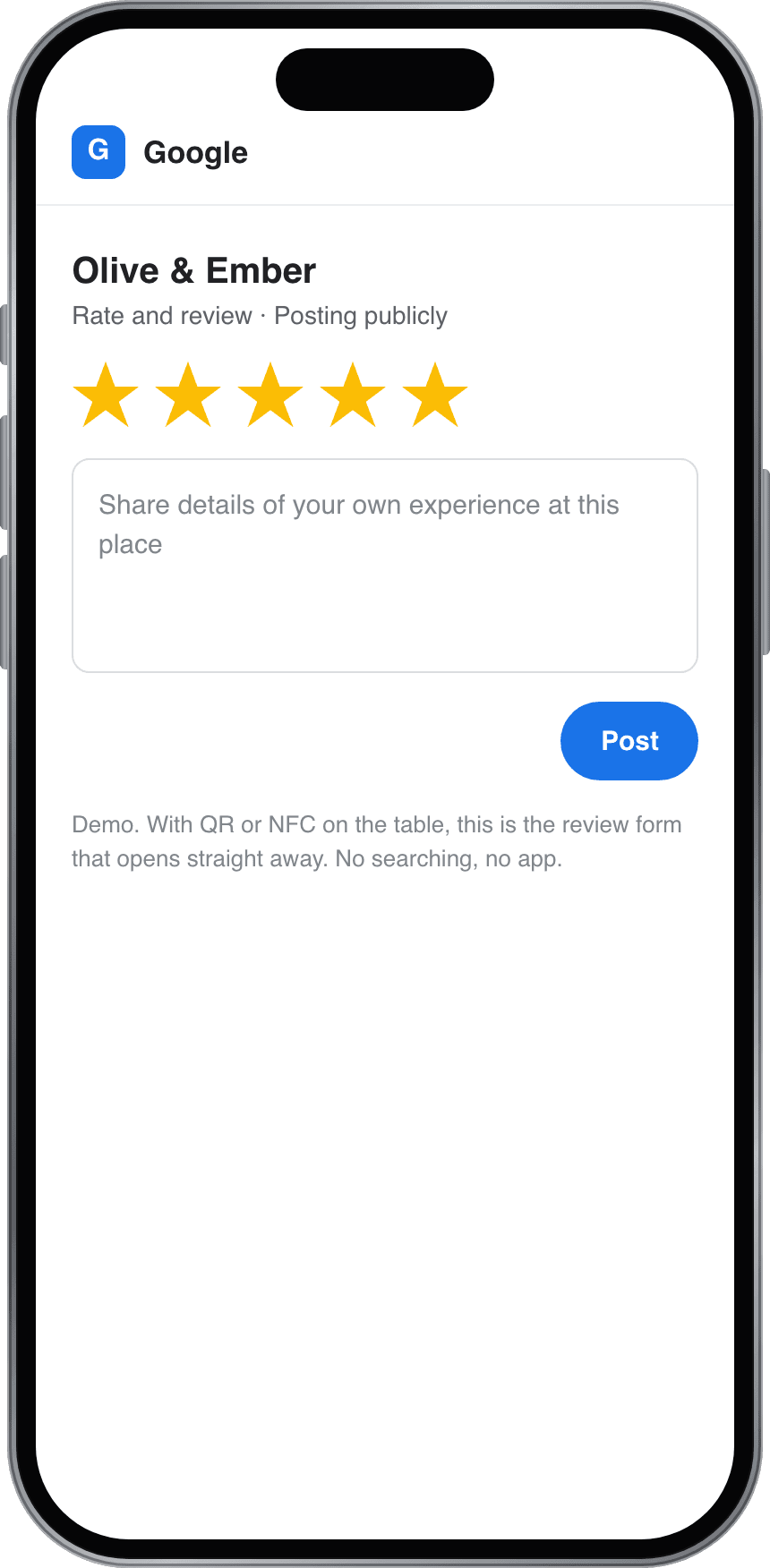
The form is open and the stars are waiting. Done in about 20 seconds.
Opens per table and clicks per button in your dashboard, over any date range.
Watch
Our most watched video. The boards collect reviews, grow your social following and bring in feedback. Here is how.
The same tap can send guests to your Instagram, not only to your review form.
In their words
We are new, and in our first year Tap2Review helped us get 750+ reviews, now we're over 2,000!
In just 6 months, we got 500+ new reviews, and they brought in a bunch of new guests.
Tap2Review helped us collect authentic feedback from our guests with almost no effort. Since using it, our reviews have grown steadily, and so has trust in our service. Great tool for anyone in the charter business.
Stories
A small chip, a direct link and a polite ask: how to set up an NFC Google review card that customers actually use.
A new restaurant without years of reviews behind it, one simple habit, and 750+ reviews in the first year.
A QR code is the simplest way to ask for Google reviews. These are the details that decide whether anyone scans it.
Yes. Newer iPhones and Android phones read the NFC chip with a touch. Every phone can scan the QR code.
Yes. Every guest sees the same public review buttons, we never filter who gets them. The private button sits next to them for guests who prefer to tell you directly.
Yes, any time, from your dashboard. The board points to your page, so nothing printed ever needs replacing.
Try it free for 14 days. Put it on your tables and watch the reviews come in before you decide.
No. Neither you nor your guests install anything.
Also in the hub
Free for 14 days
Try the whole hub free for 14 days: reviews, guest guide and your digital business profile. Our team helps if you get stuck.